A Polished New UI + Sidebar Pin Groups 🎨 🗂️
We are incredibly excited to roll out a massive update focused entirely on your user experience. We've completely redesigned the look and feel of Keypup to make your data more readable, and we've introduced a highly requested feature to help you organize your growing list of dashboards.
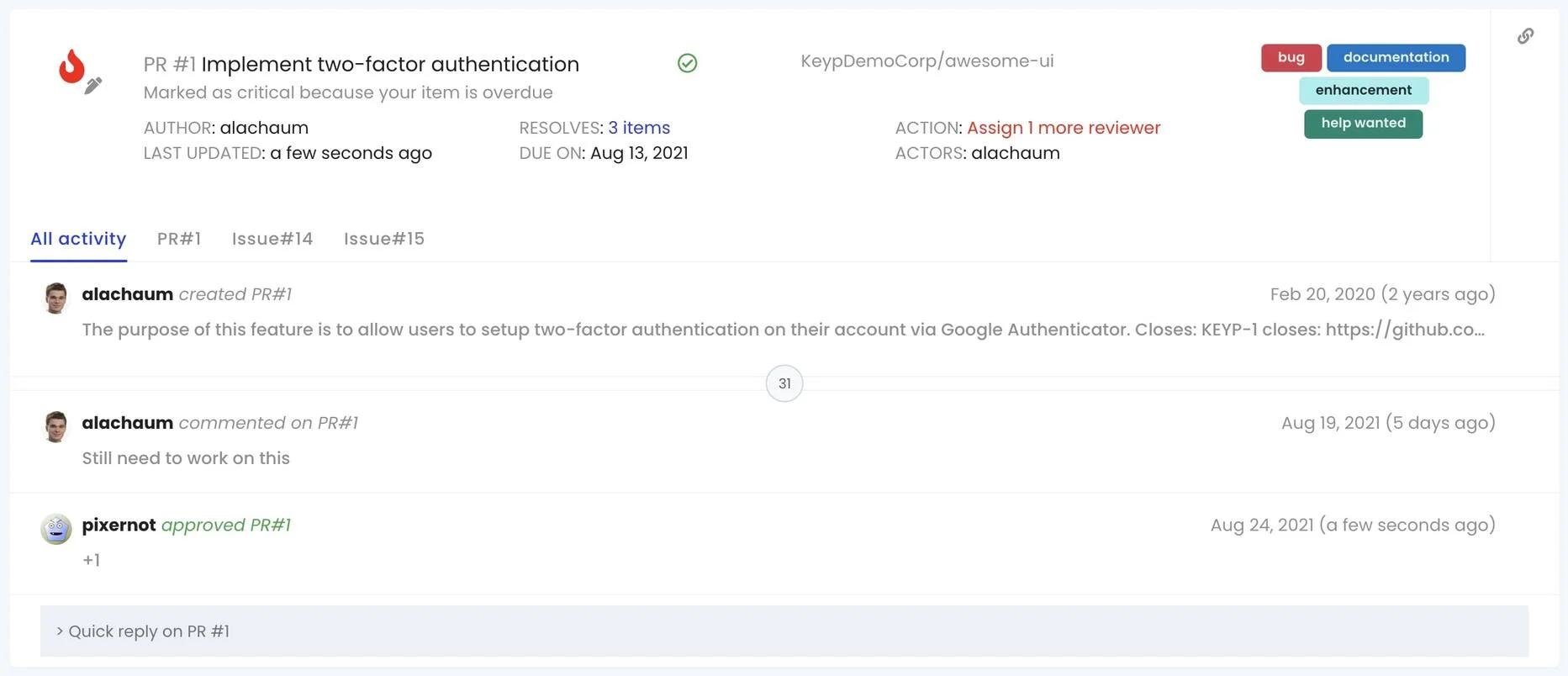
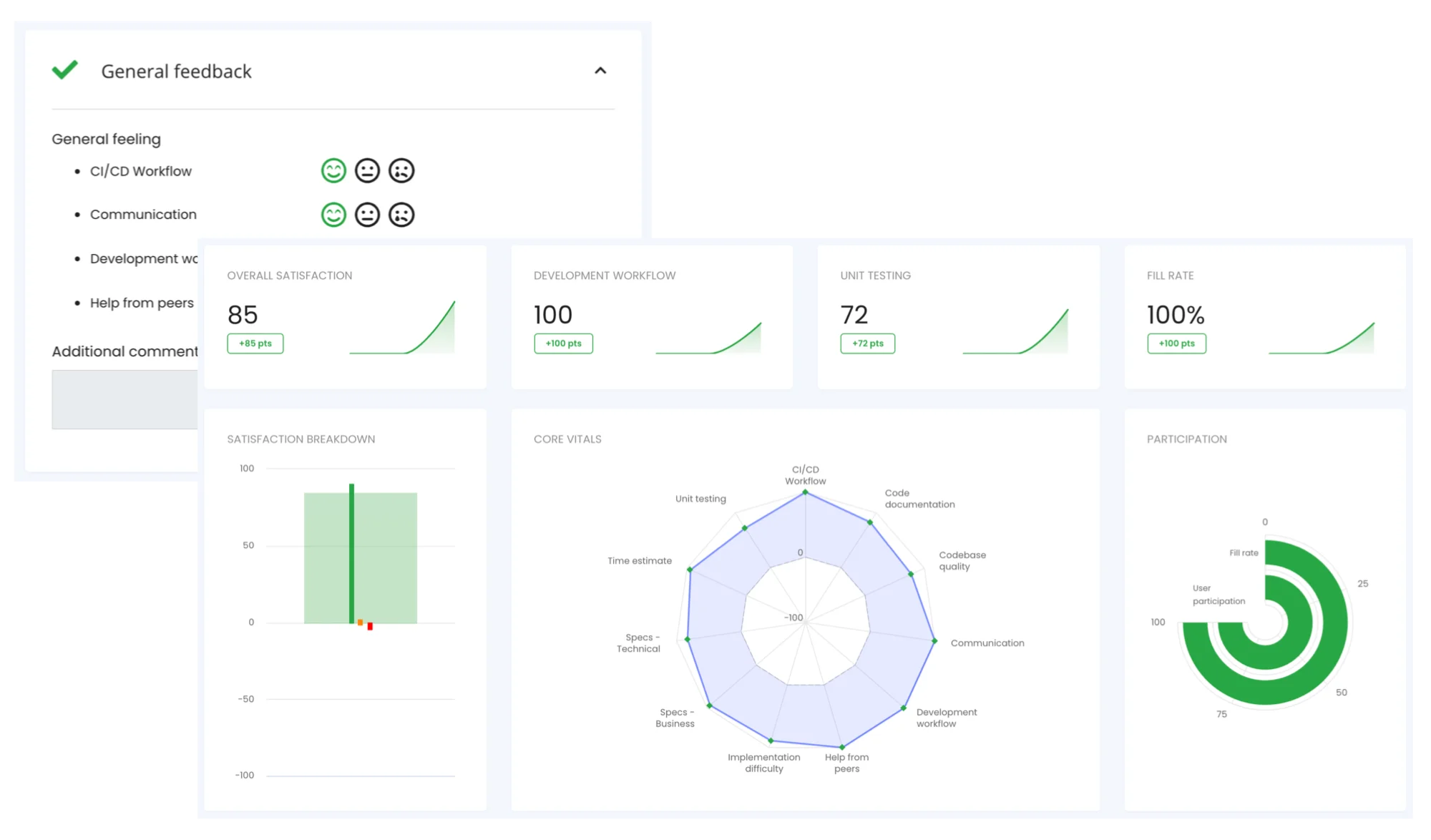
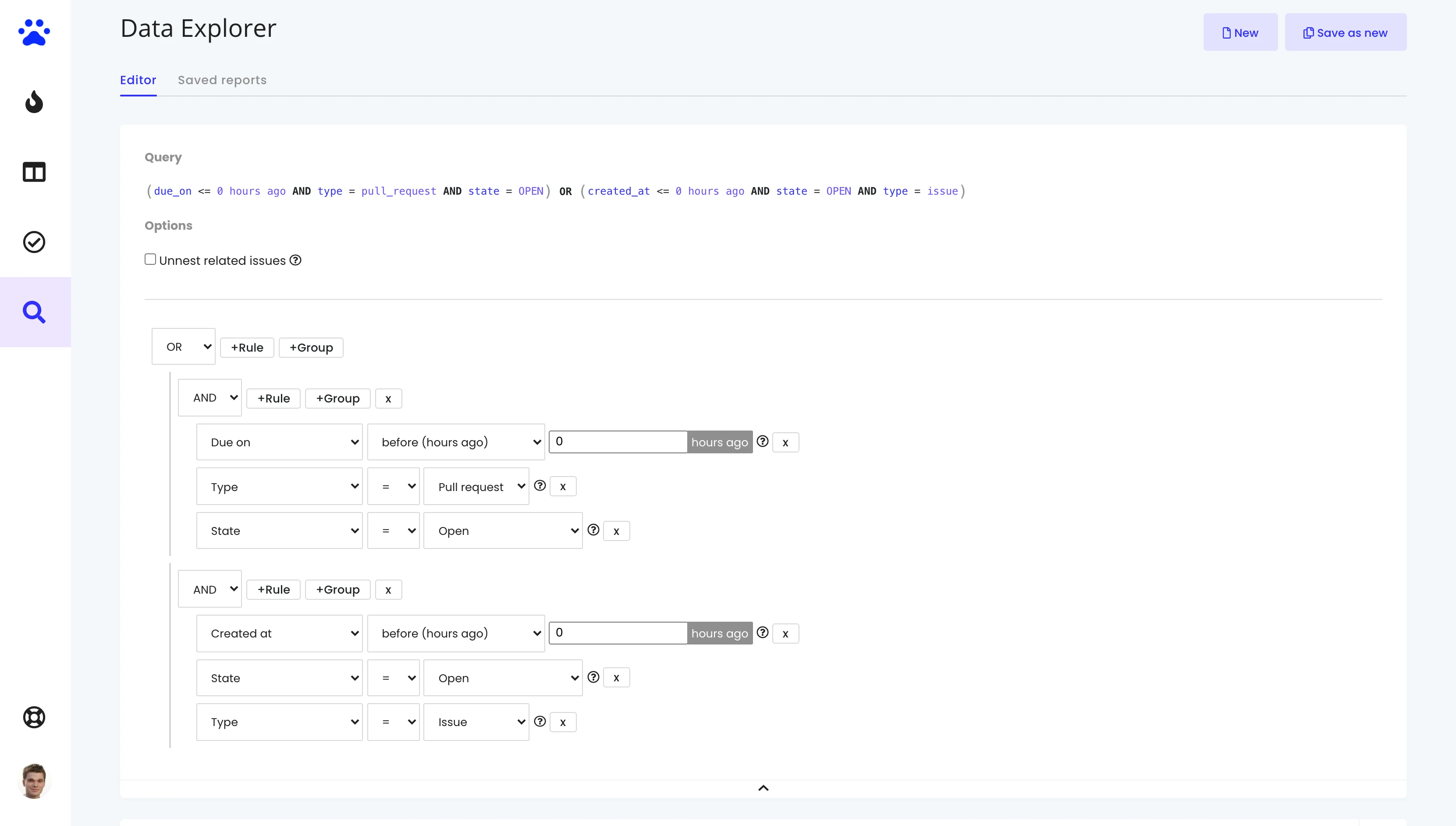
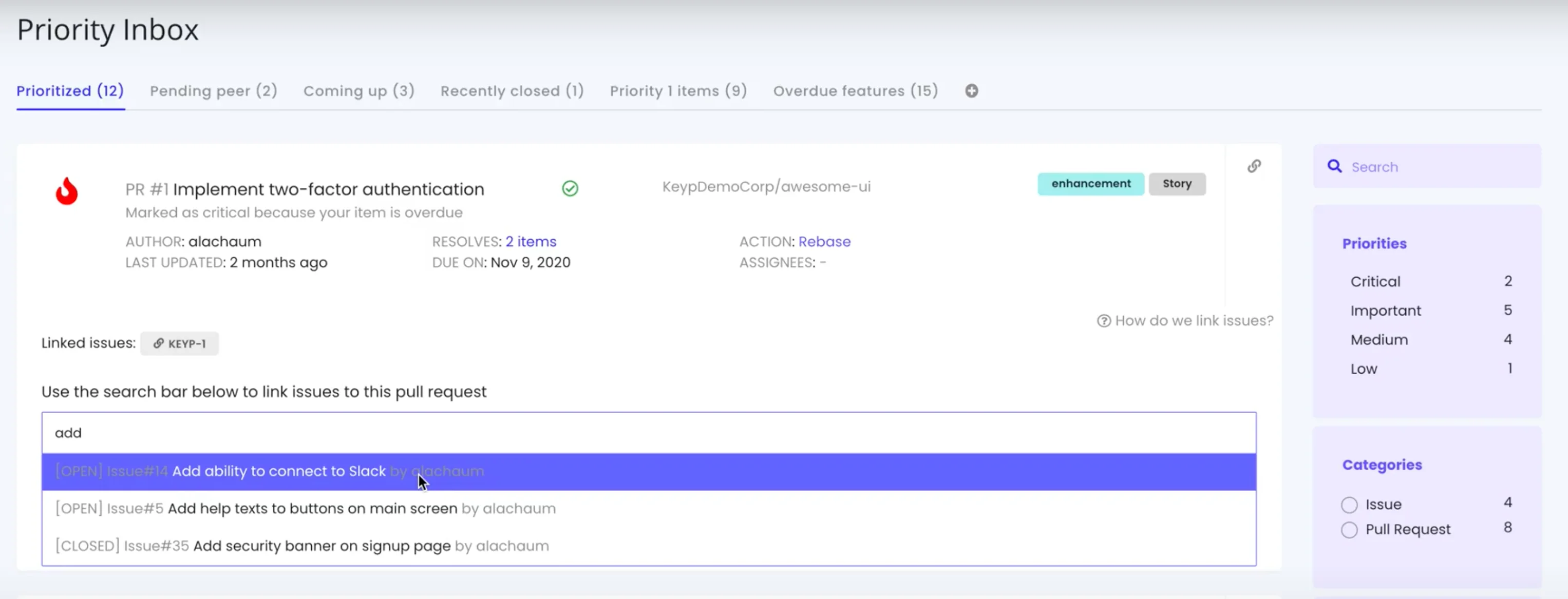
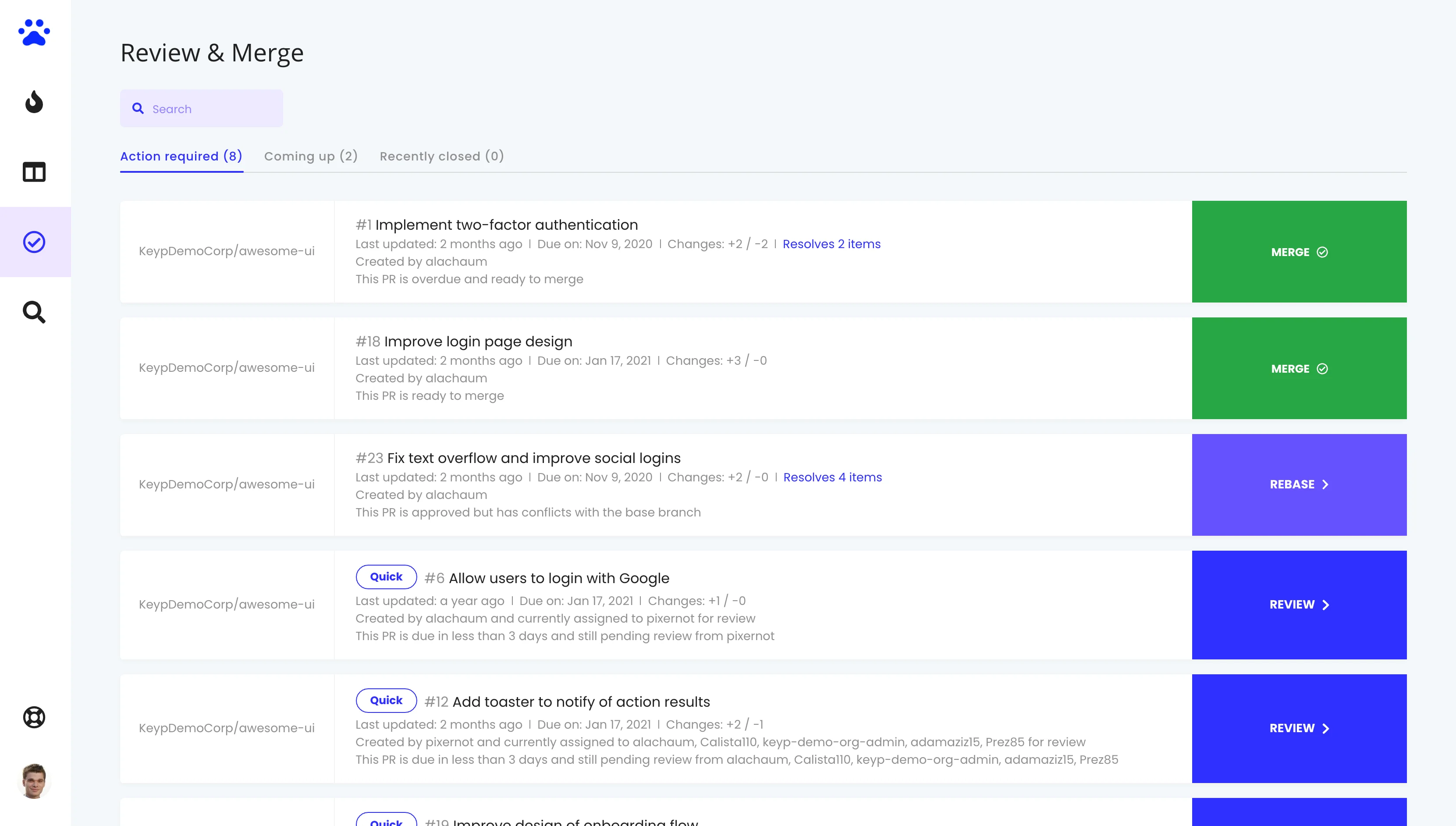
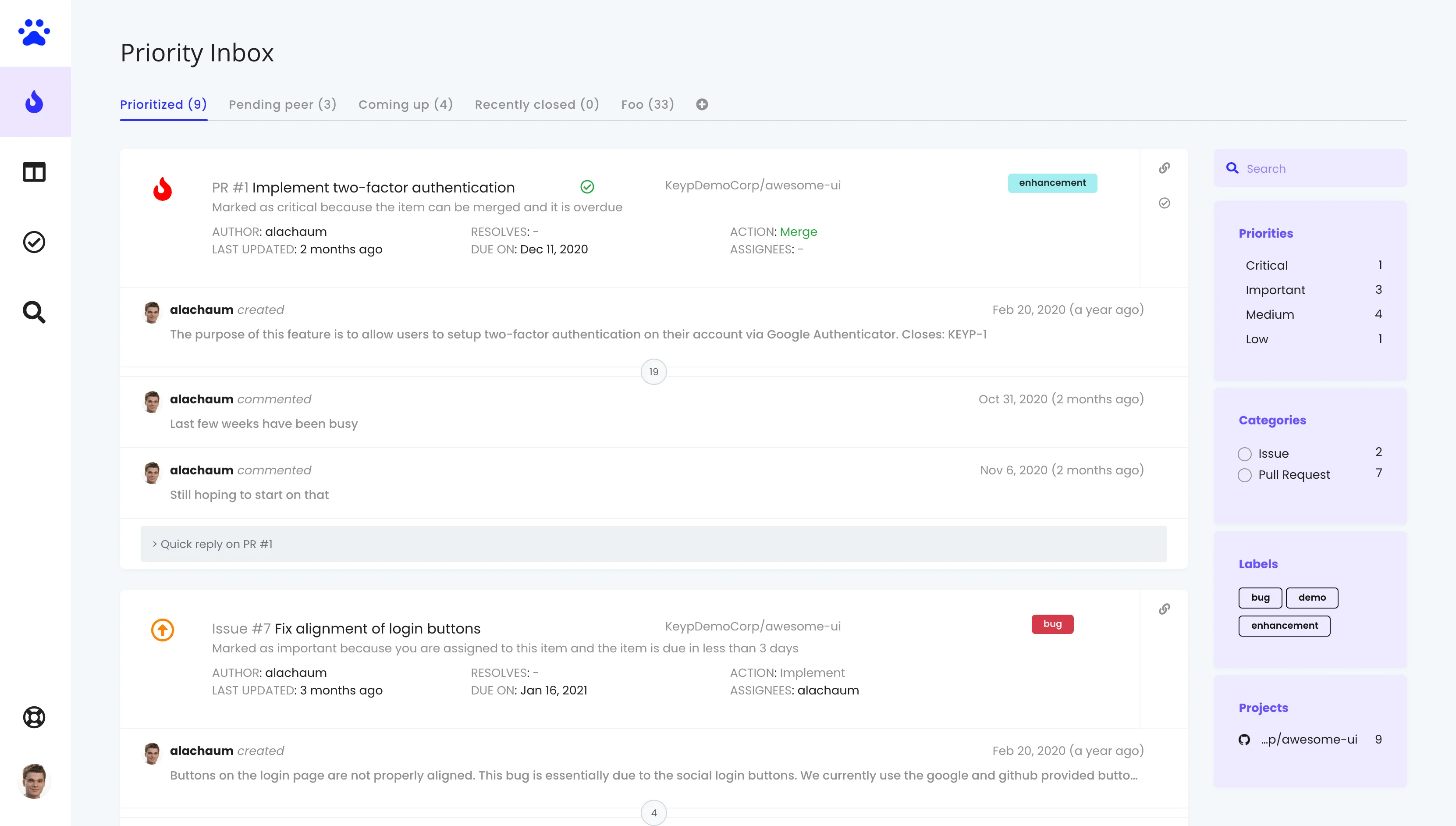
A Beautiful, Modern UI Redesign
As your analytics needs grow, you spend more time deep inside your dashboards. We realized the Keypup experience needed to match the sophistication of the data it presents. We went back to the drawing board and polished the visual layer!
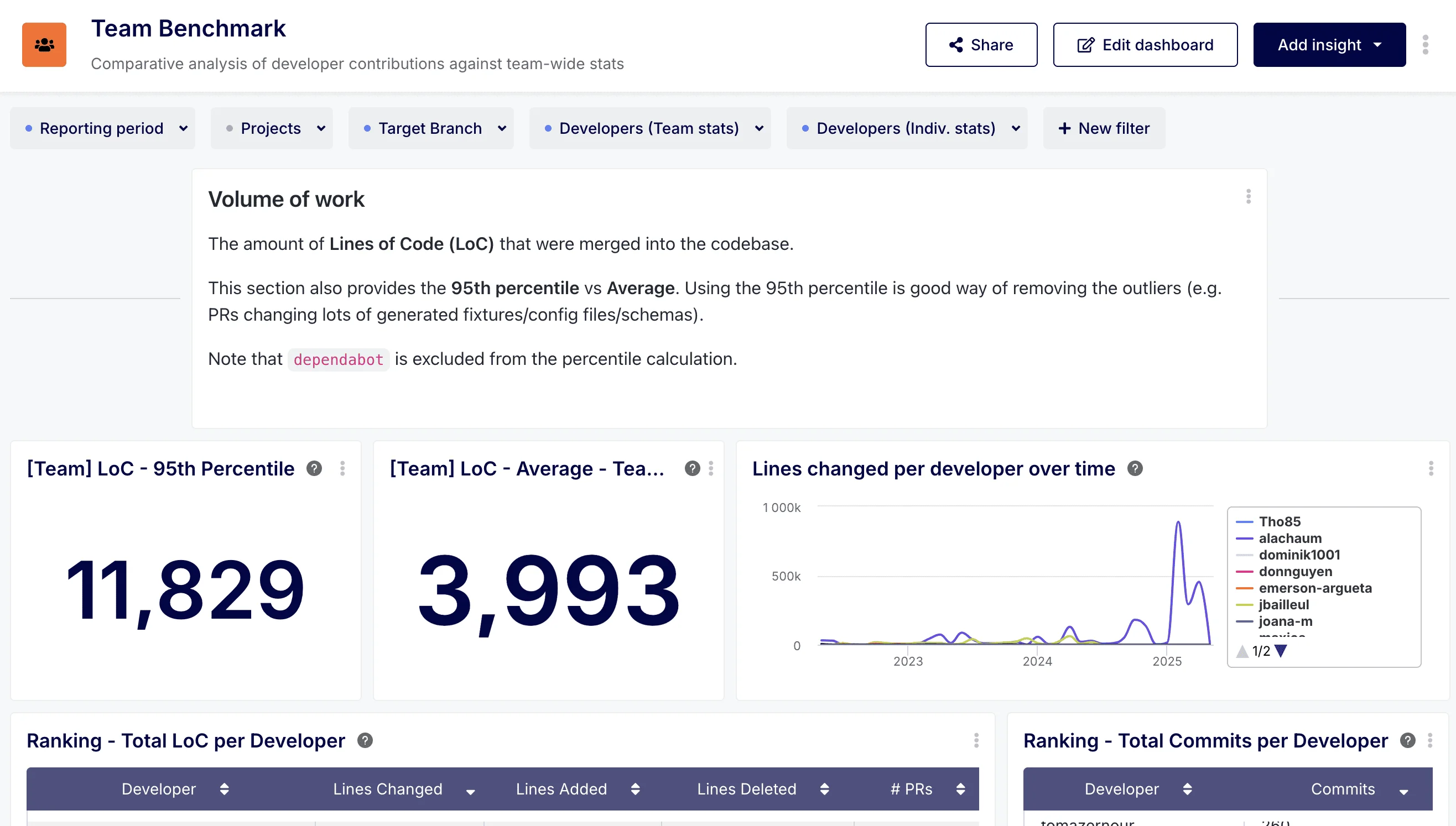
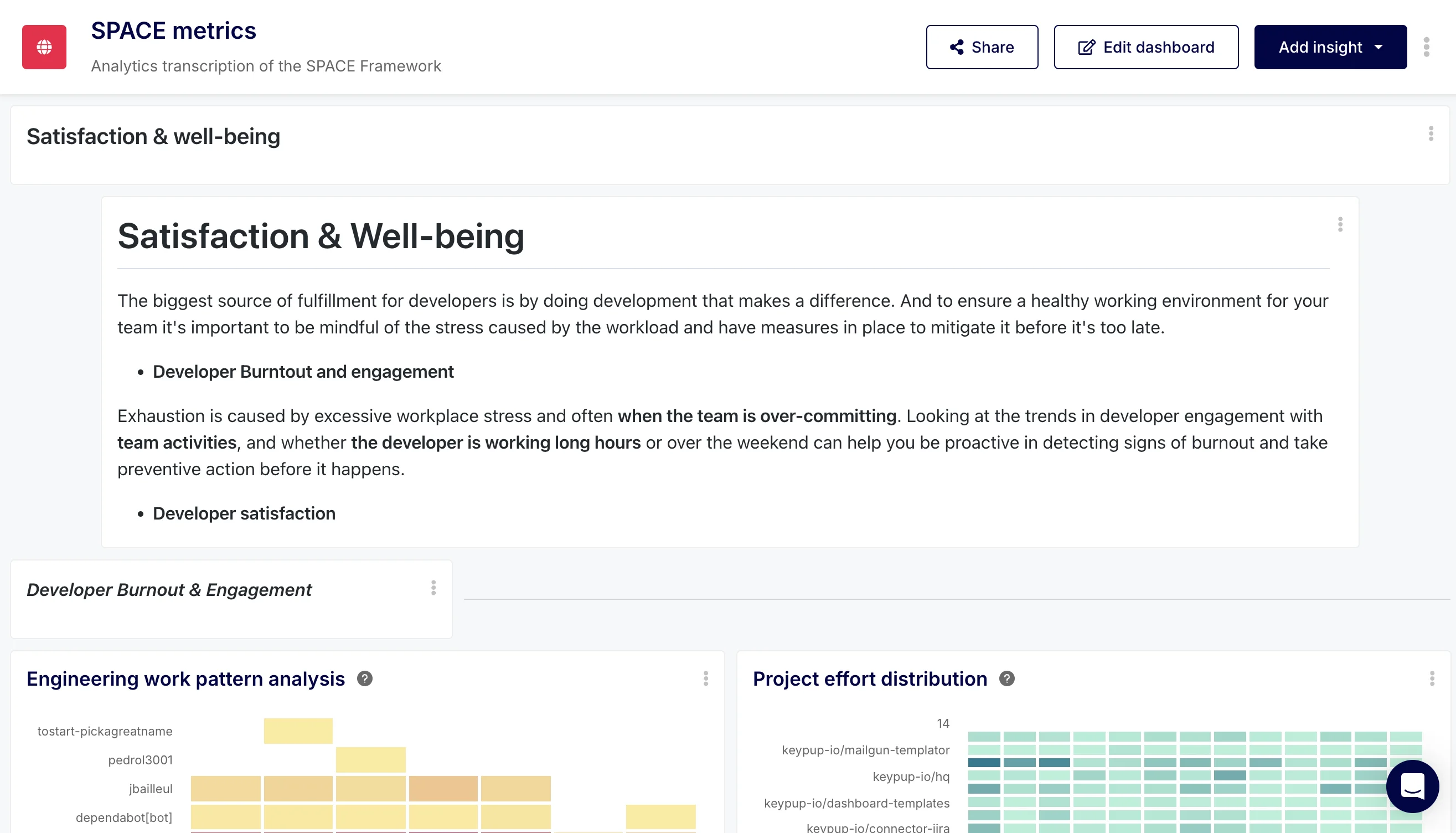
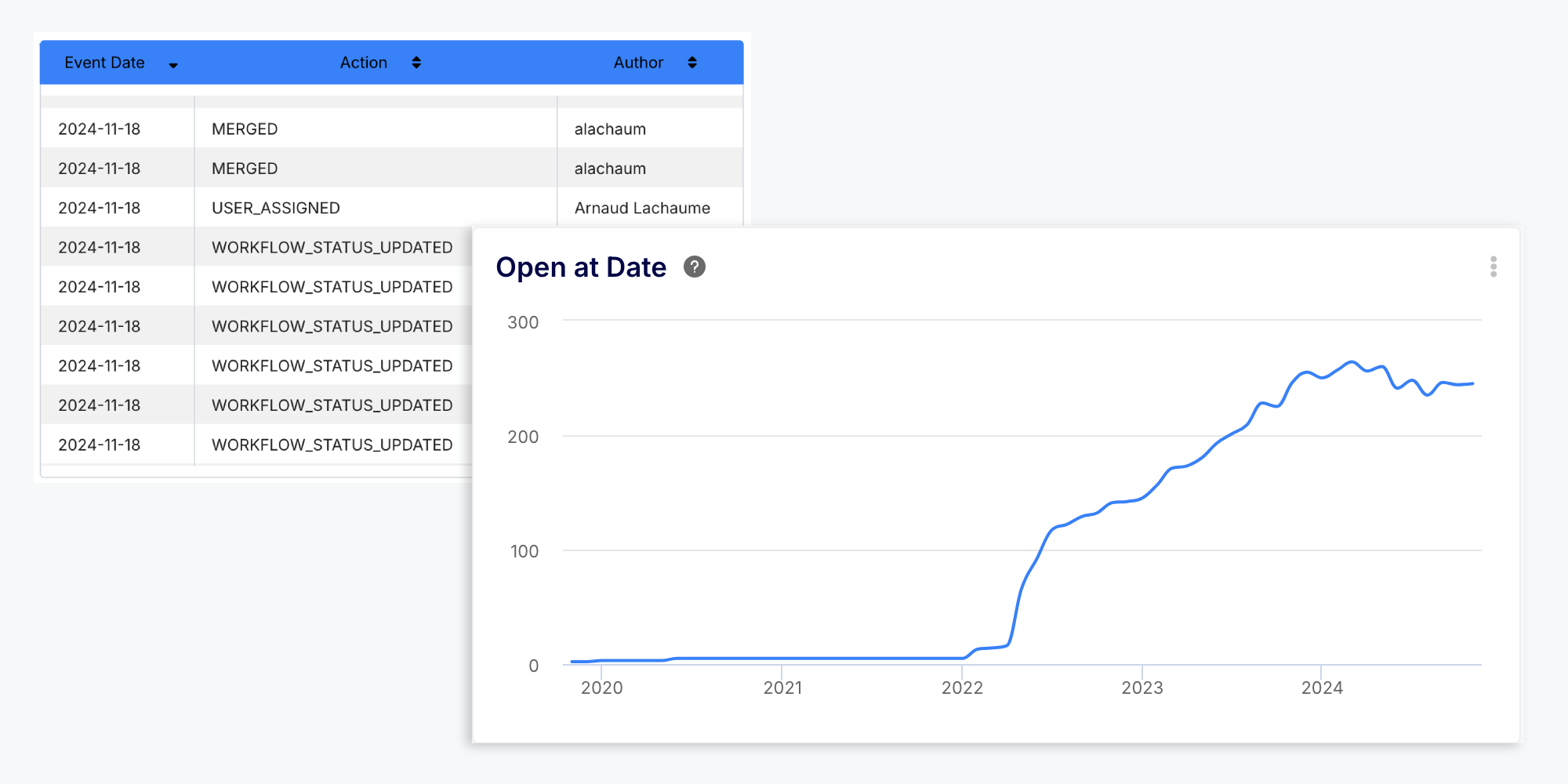
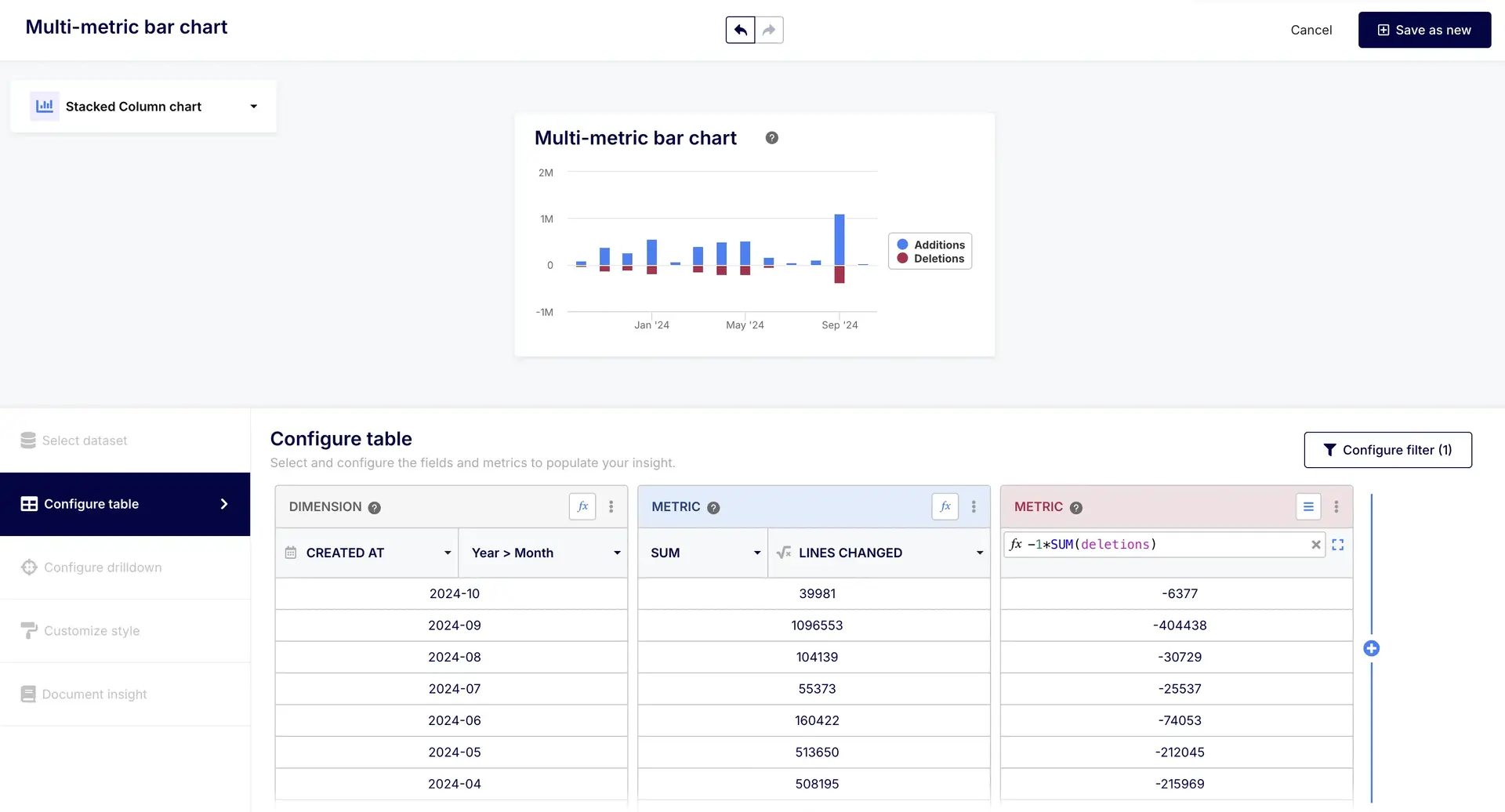
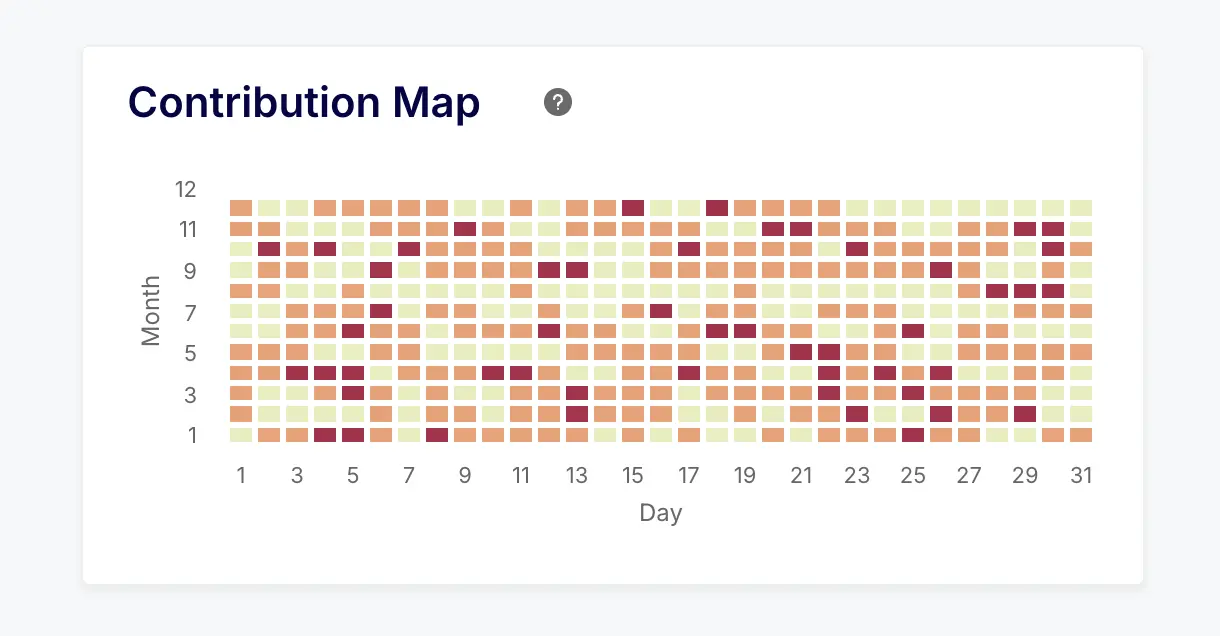
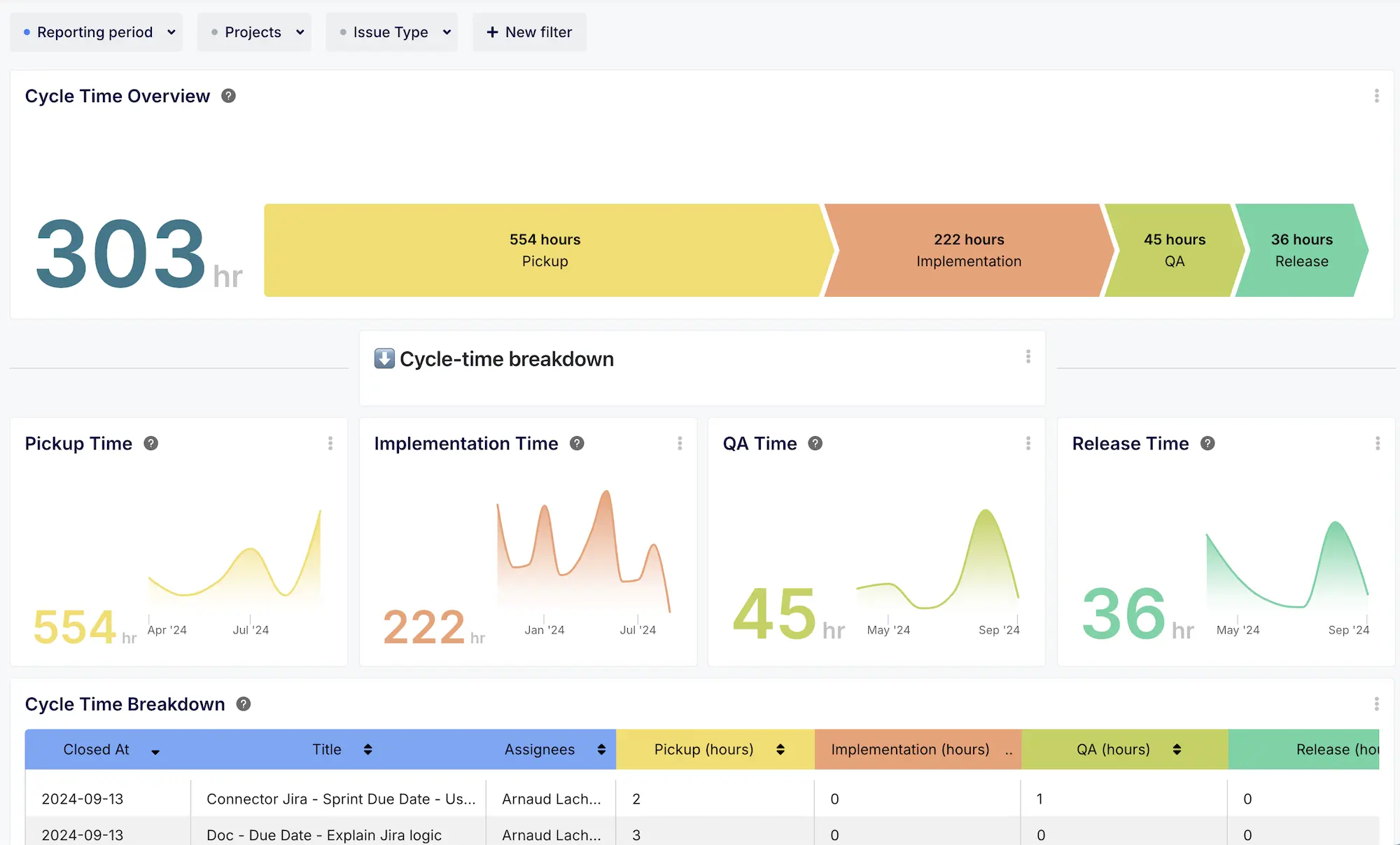
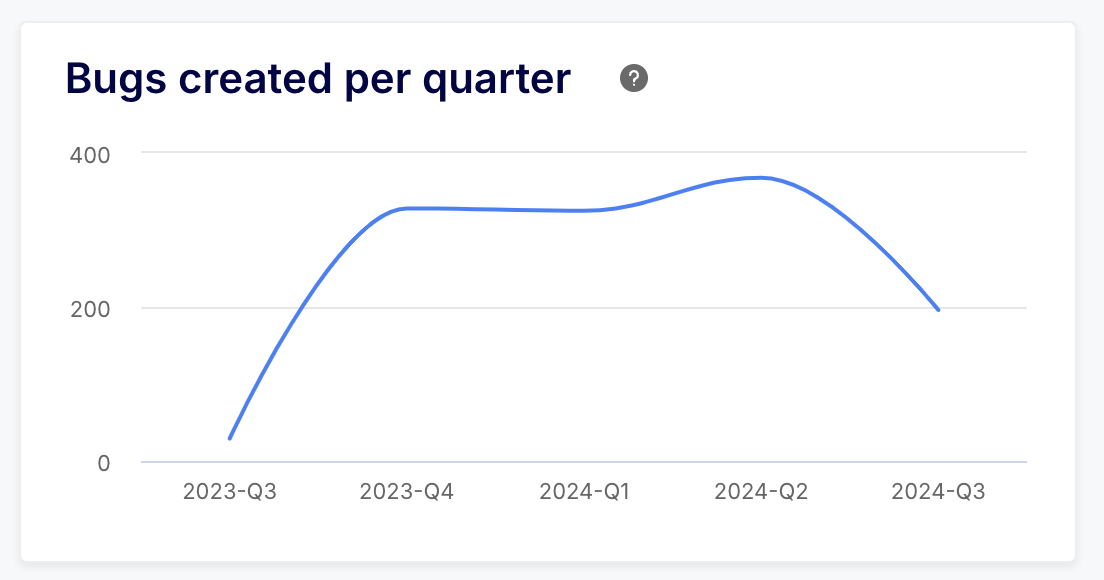
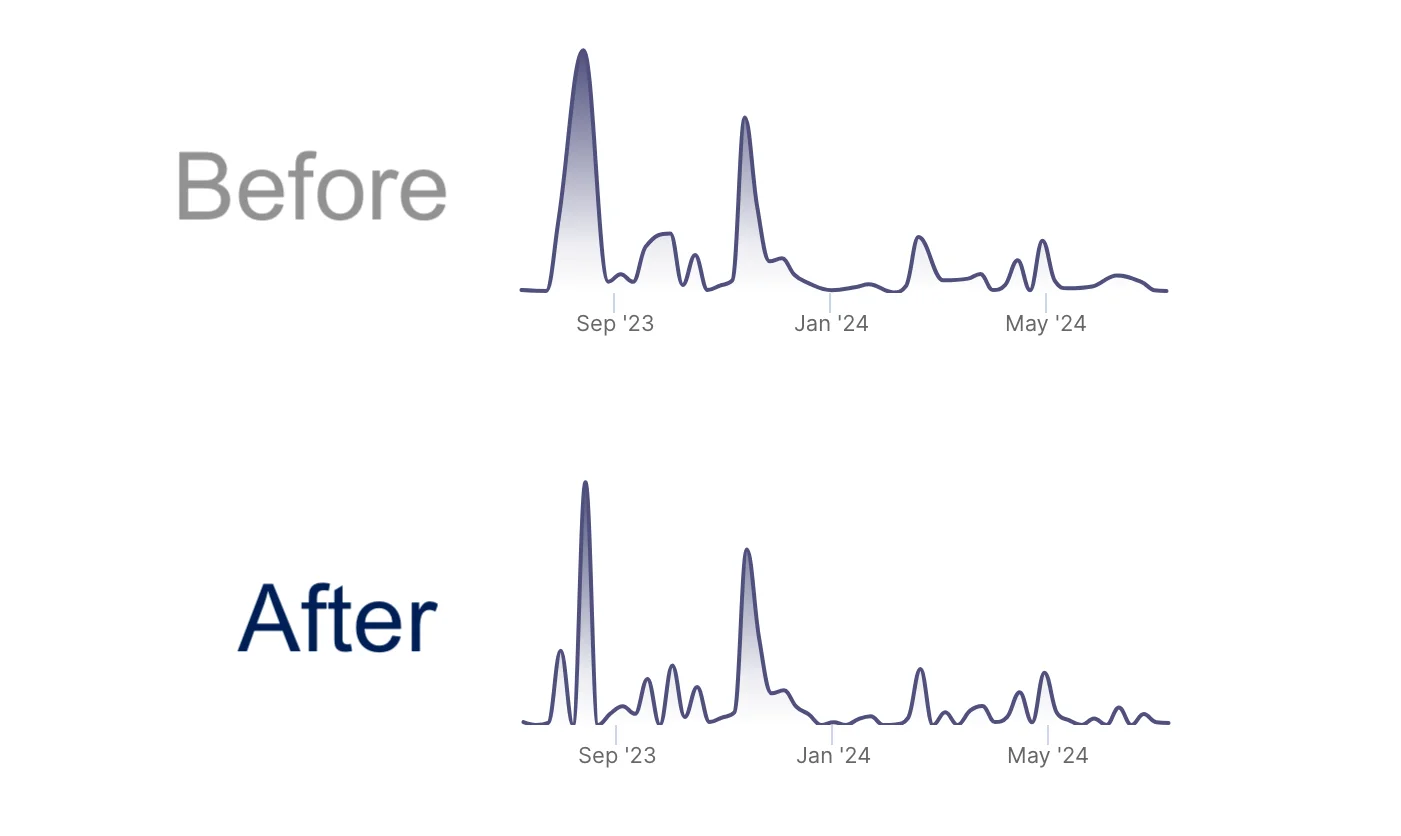
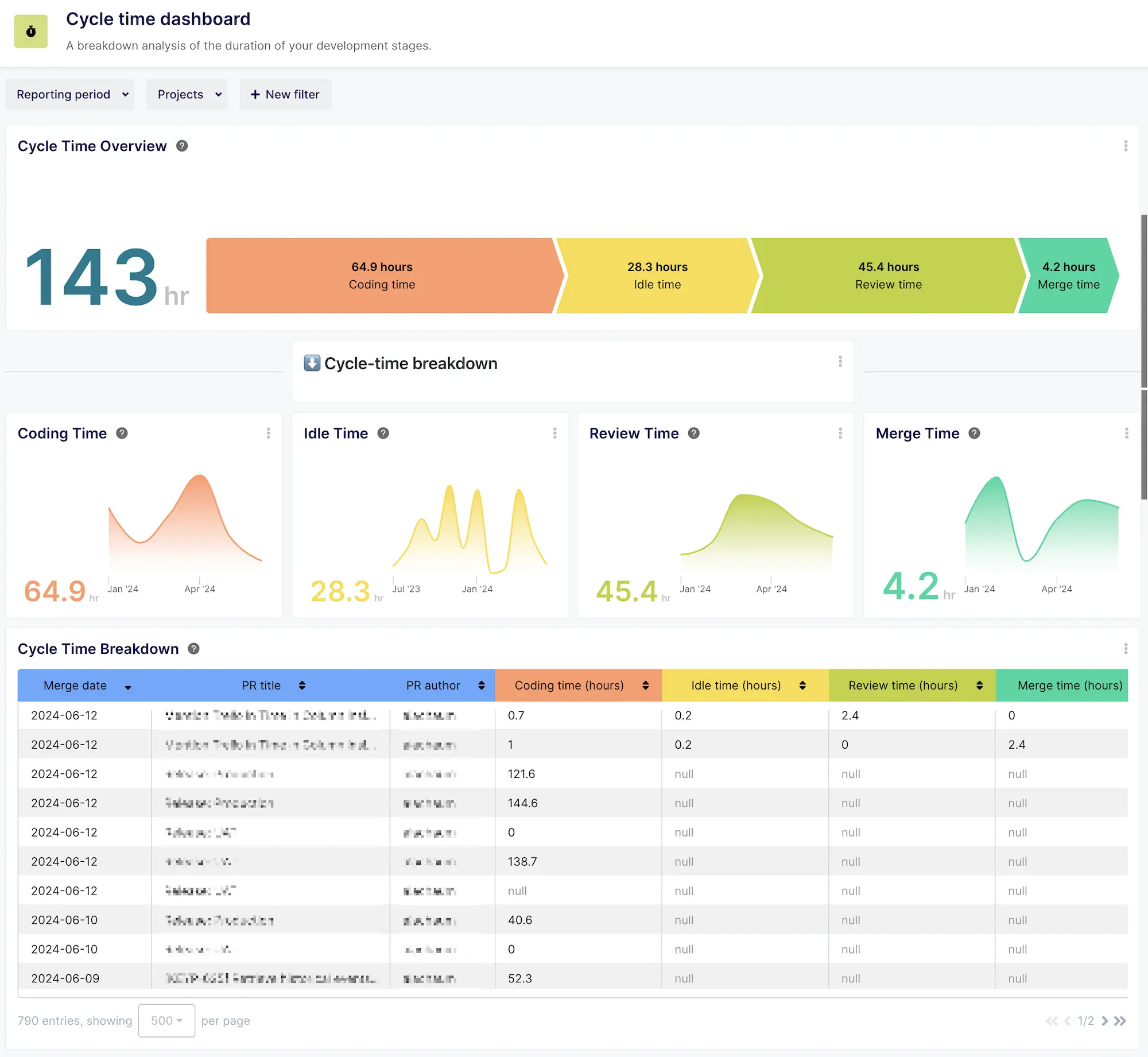
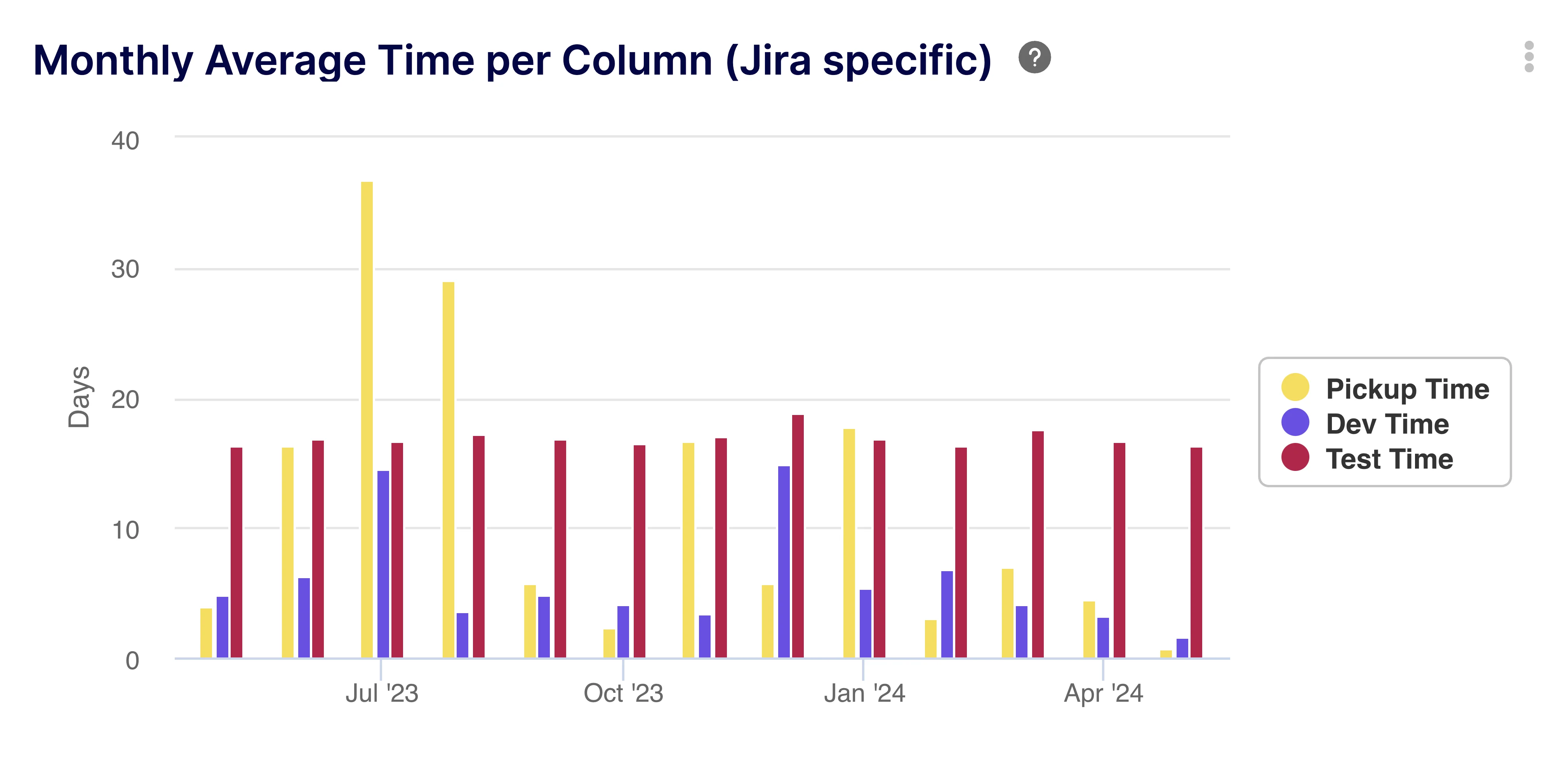
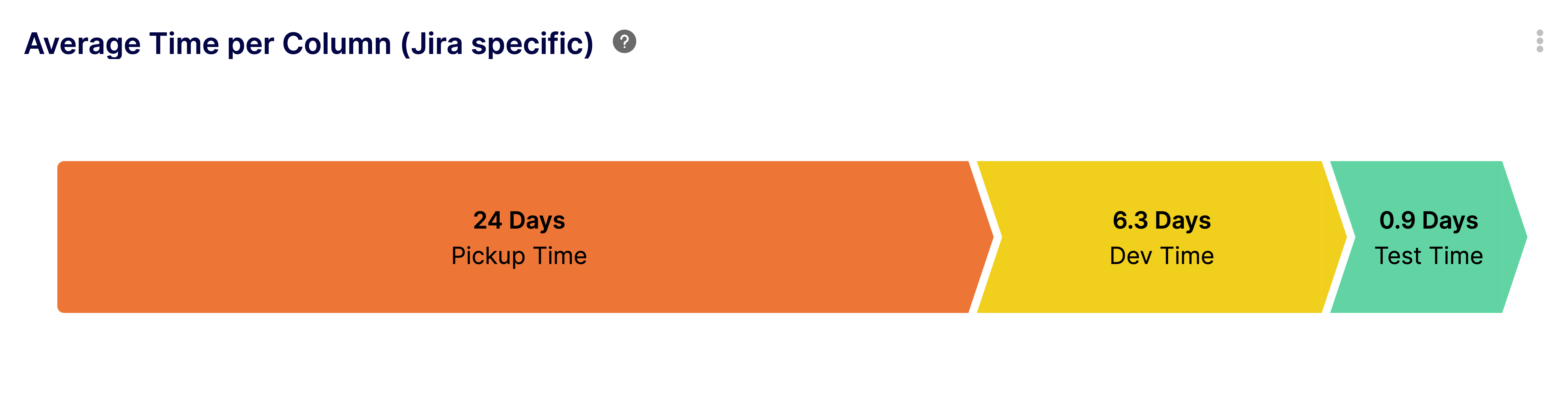
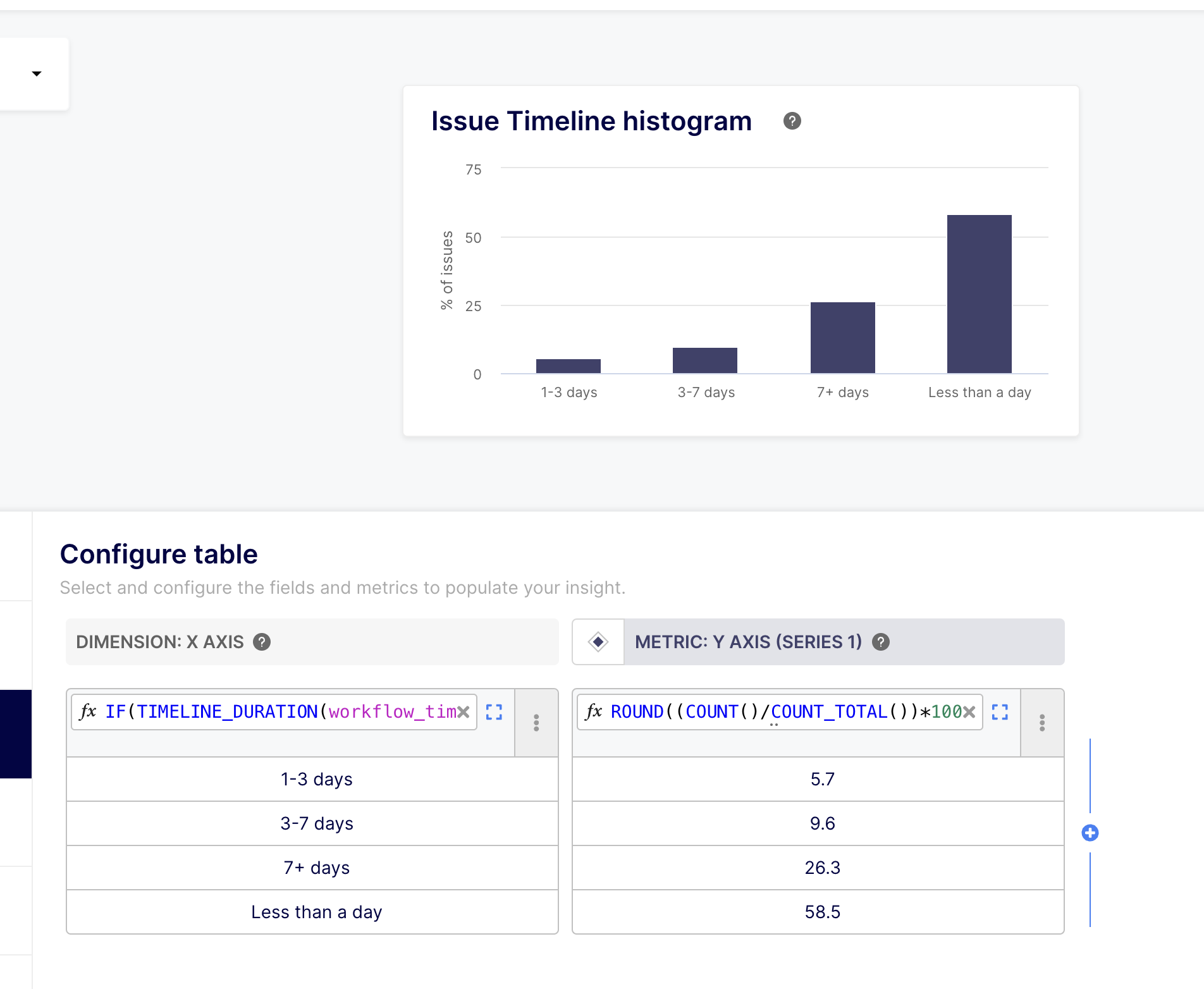
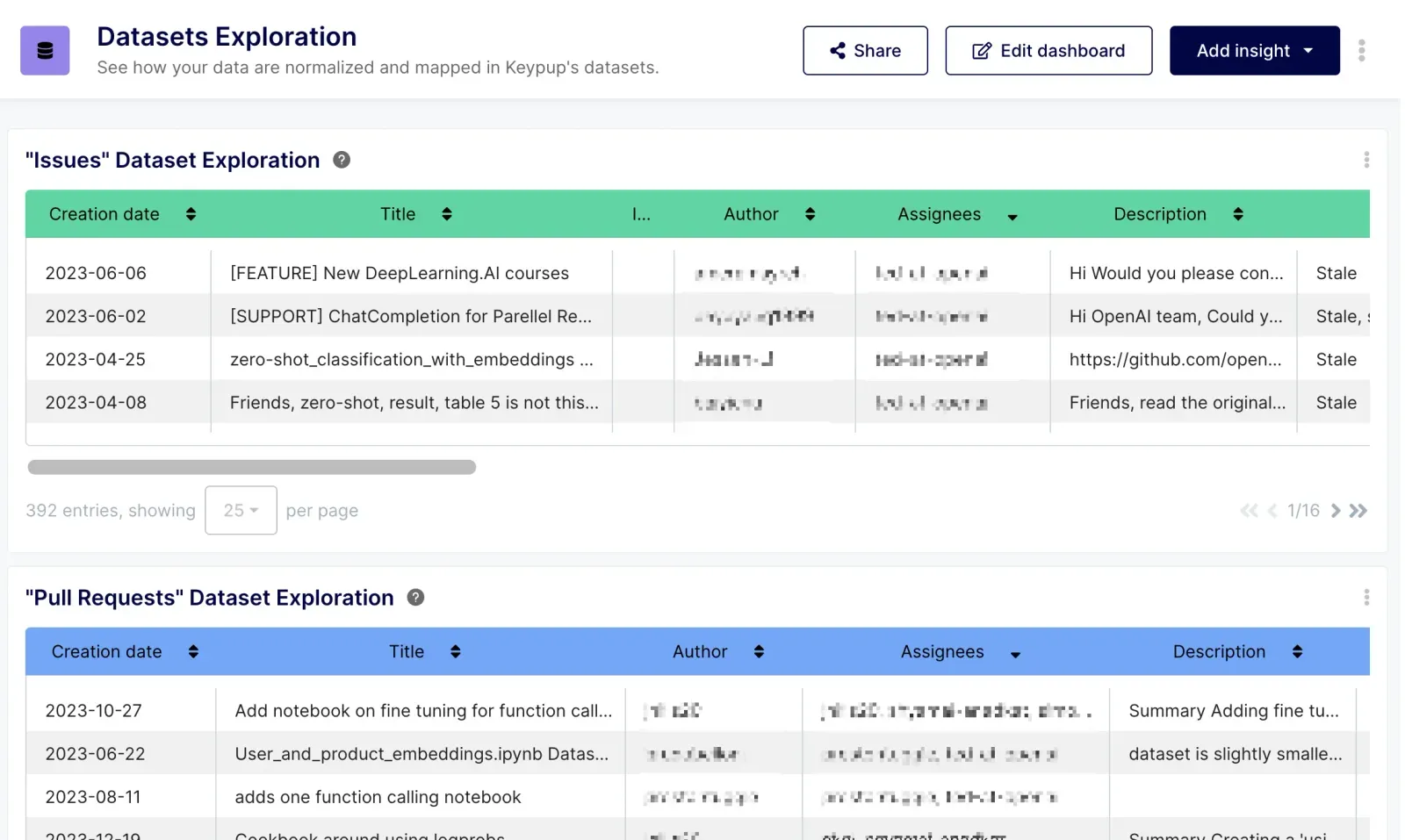
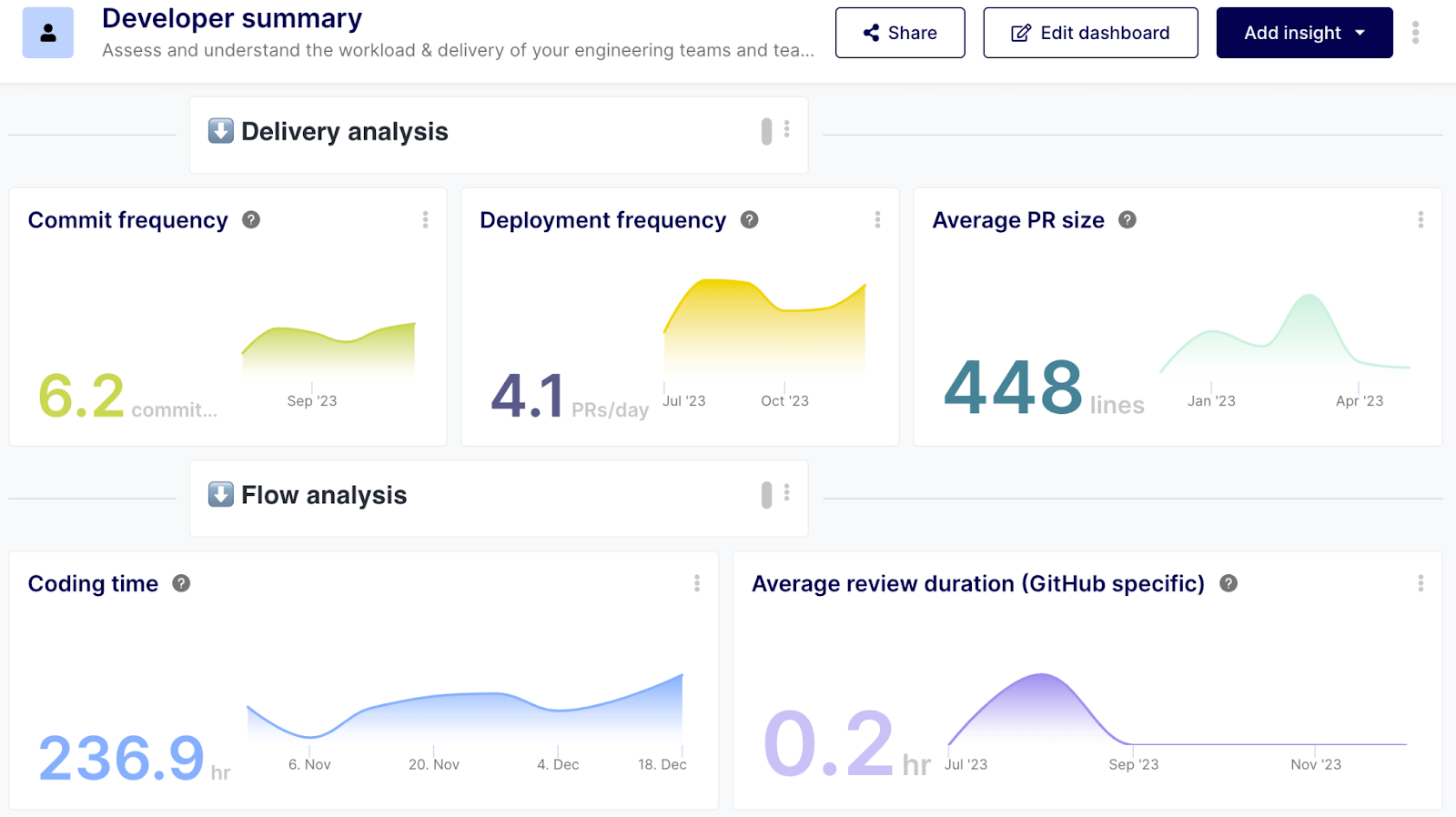
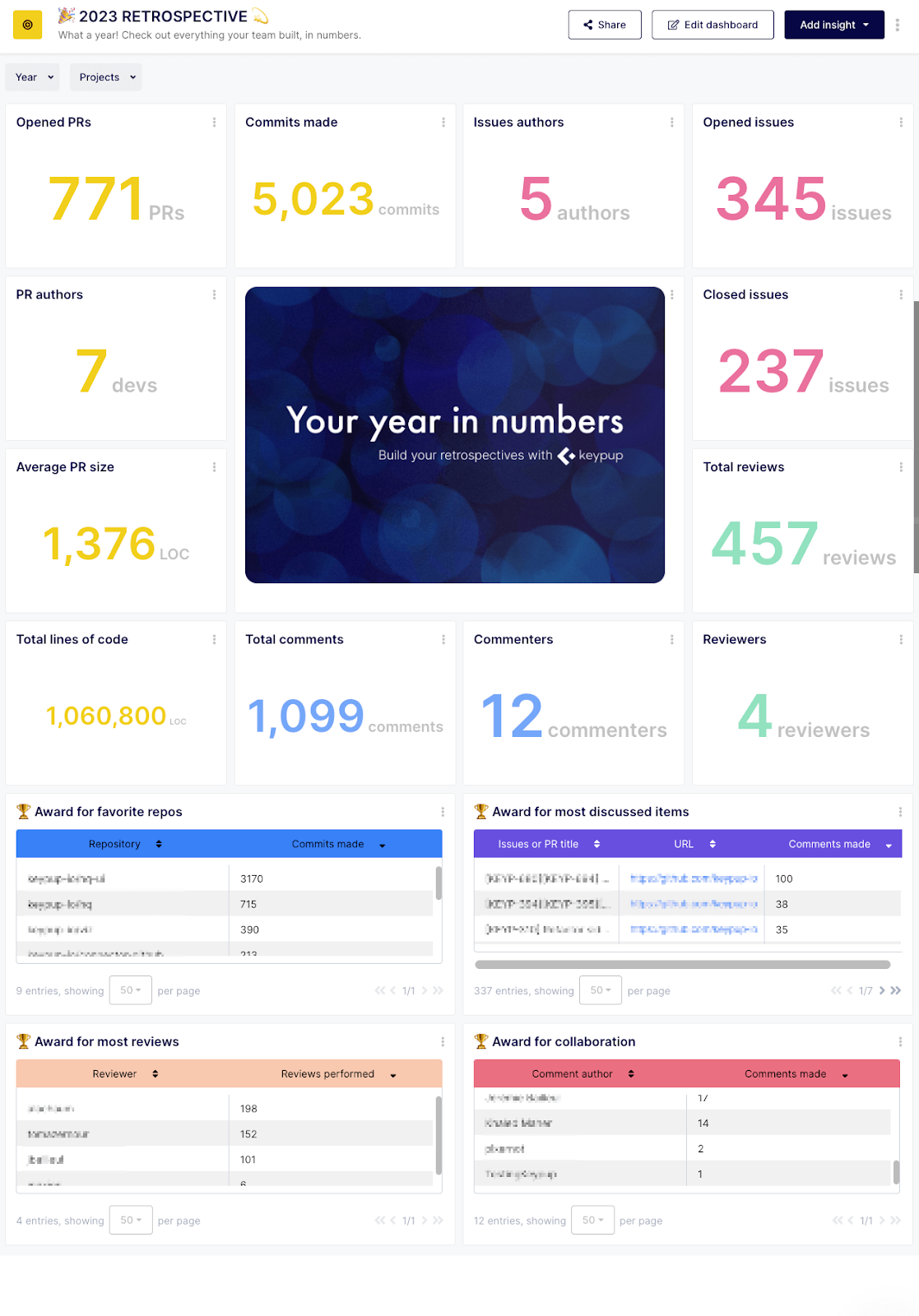
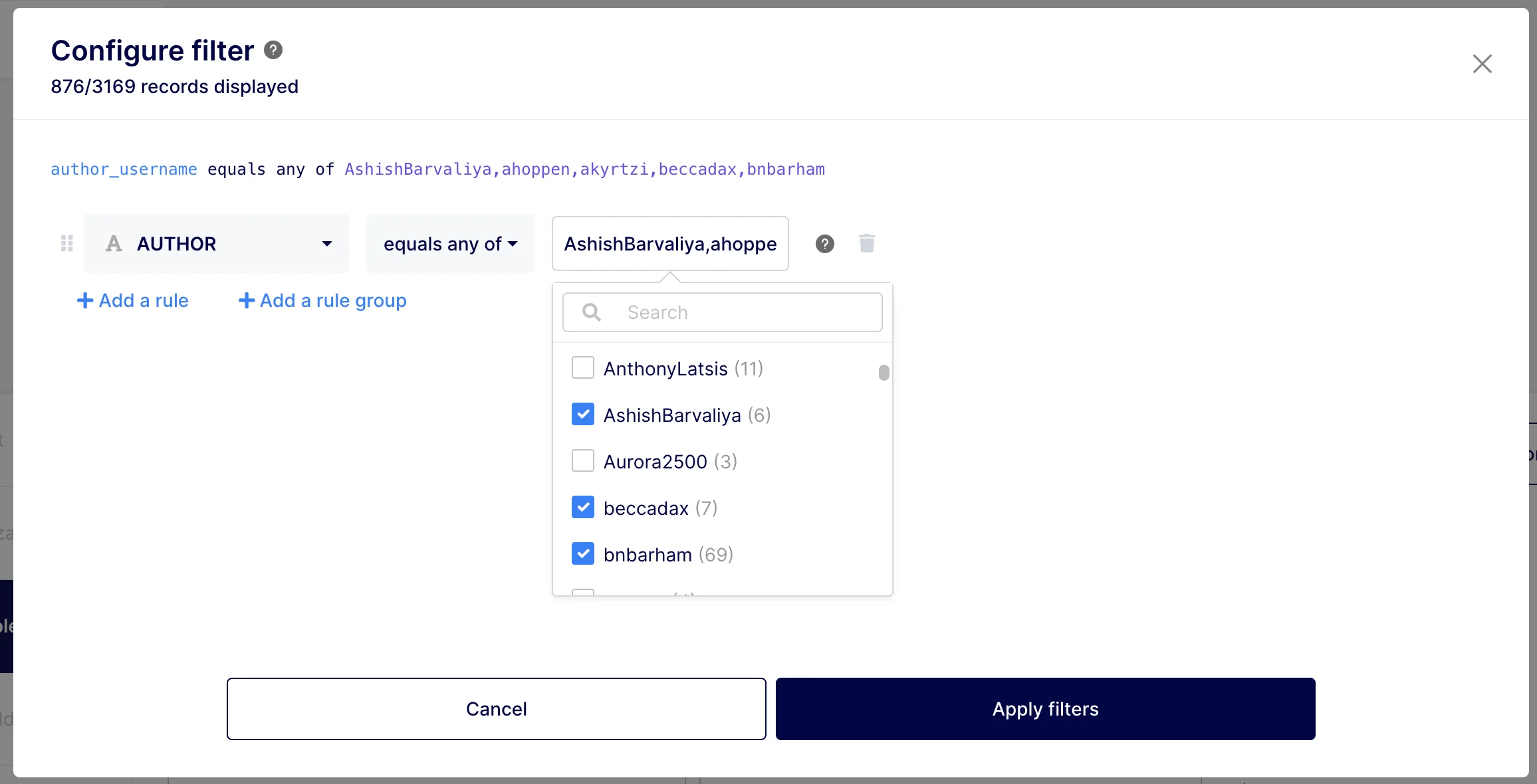
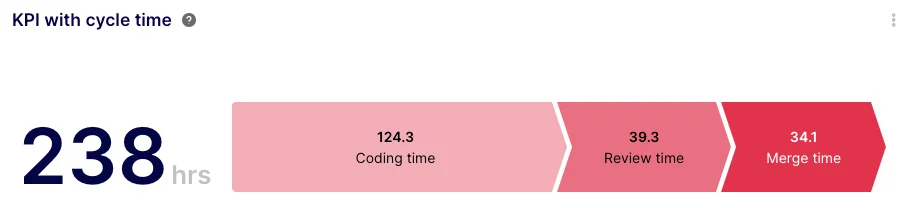
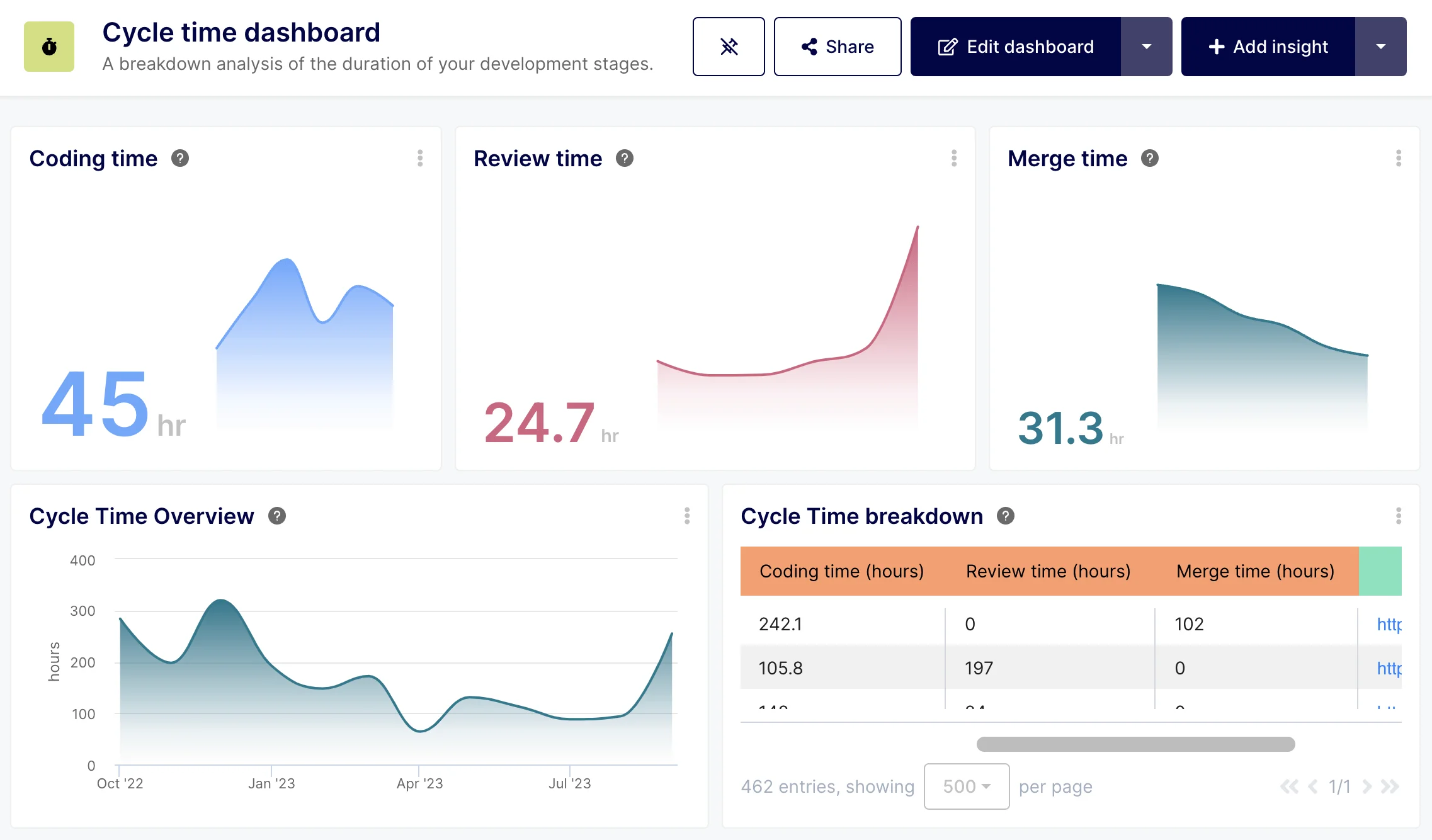
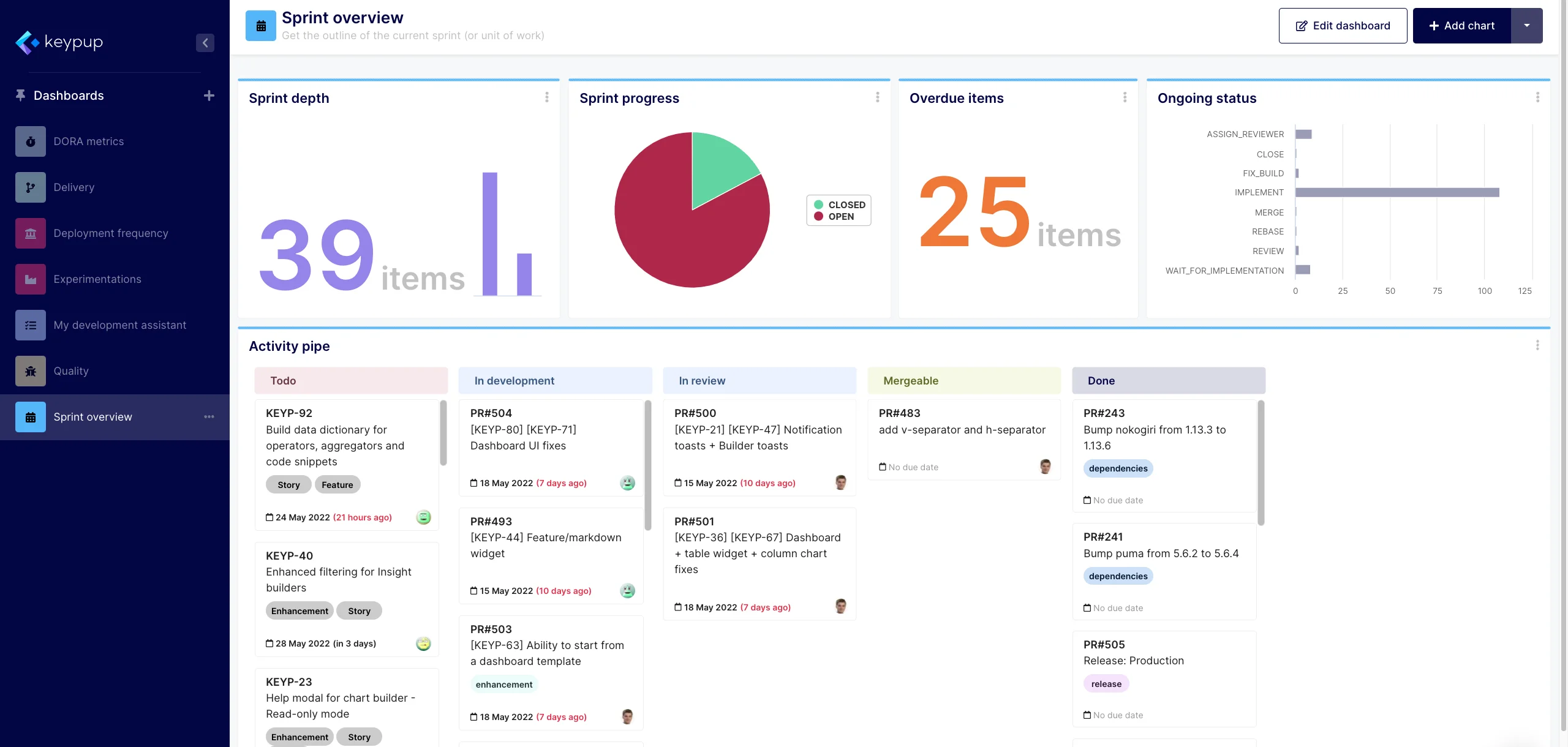
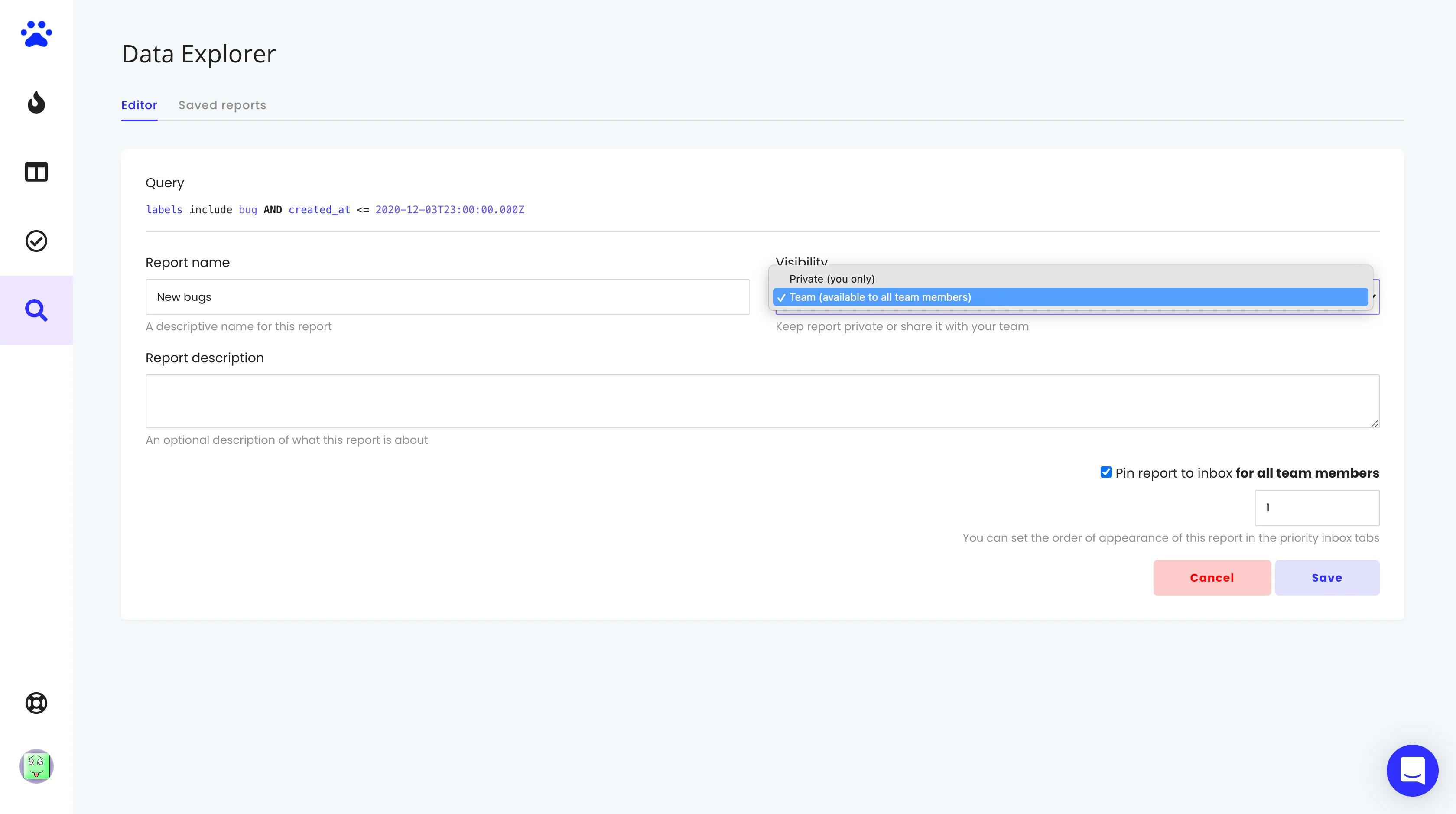
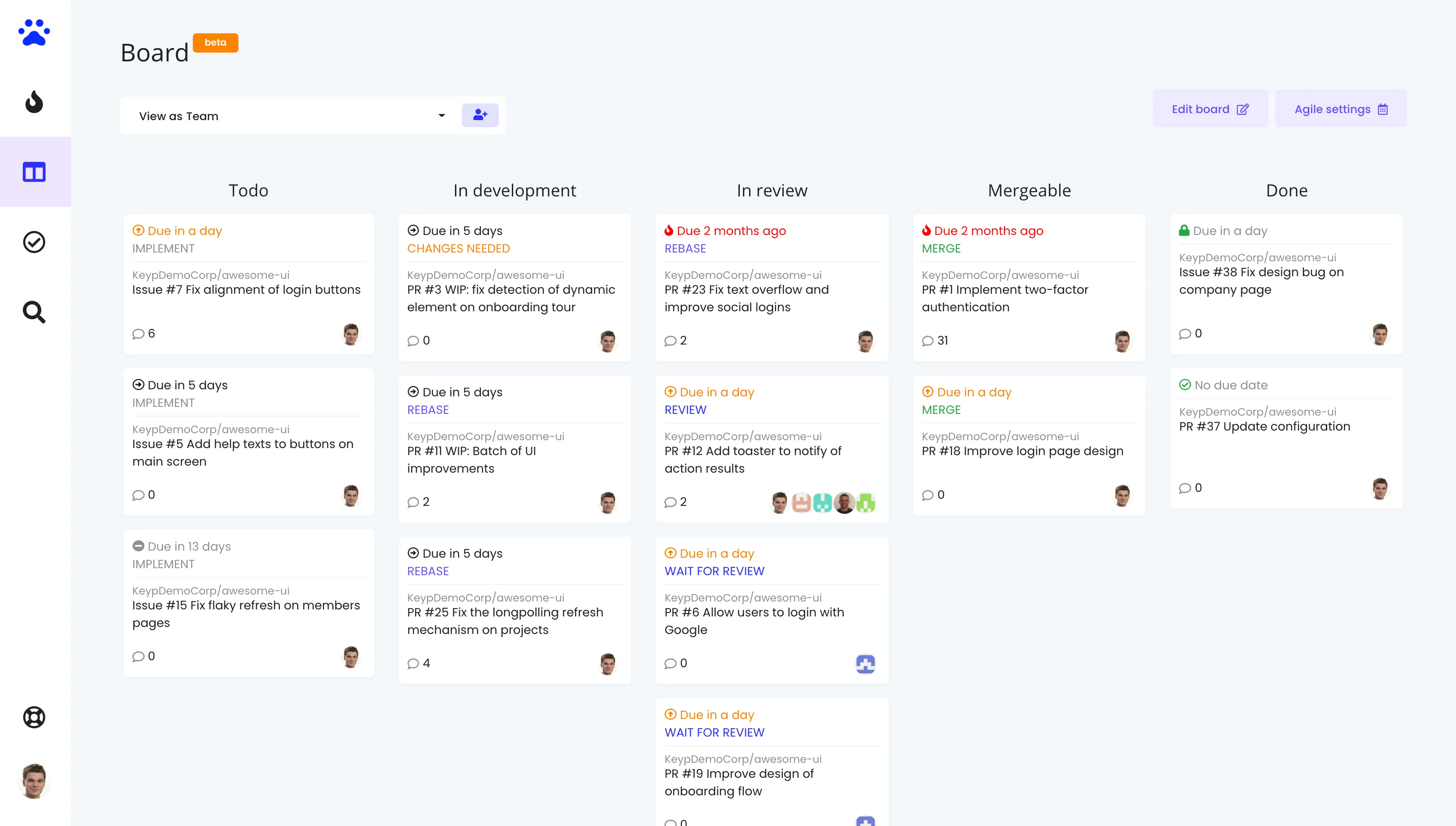
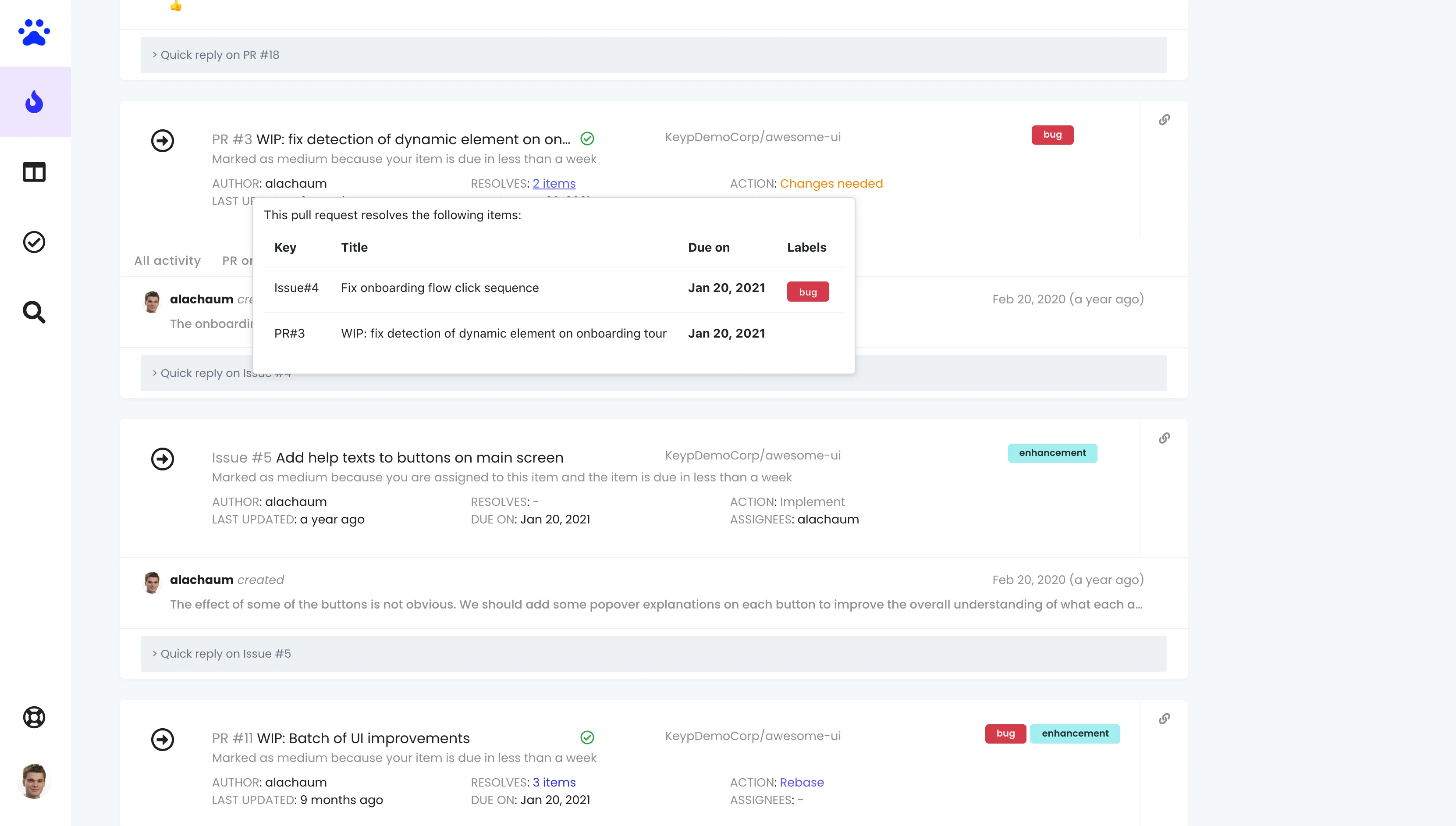
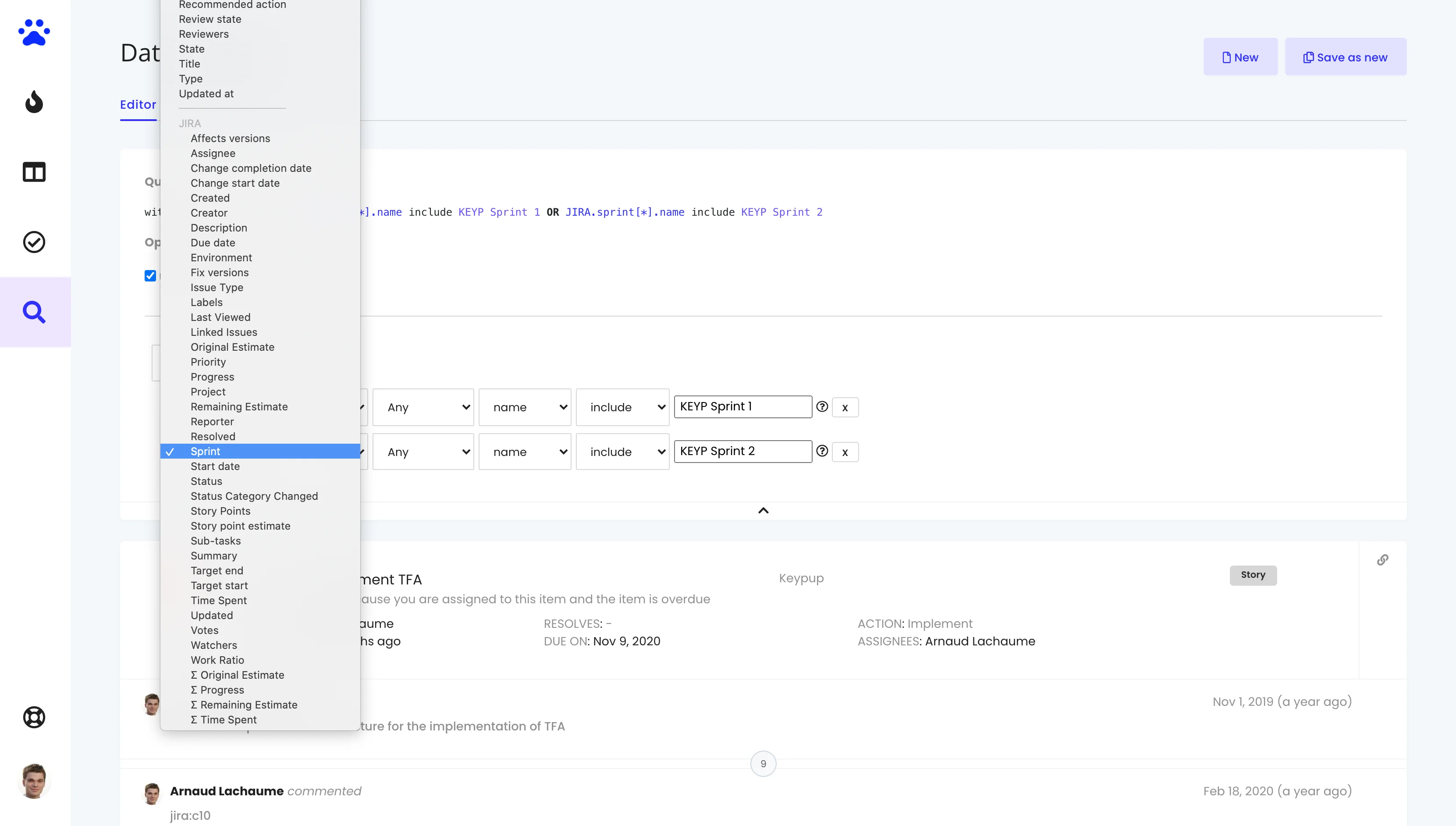
Say goodbye to flat white cards and hello to a sleek, modern, glassmorphic design. We’ve introduced a crisp new typography system, ambient animated backgrounds, and translucent glass cards with subtle backdrop blurs that give your metrics room to breathe.
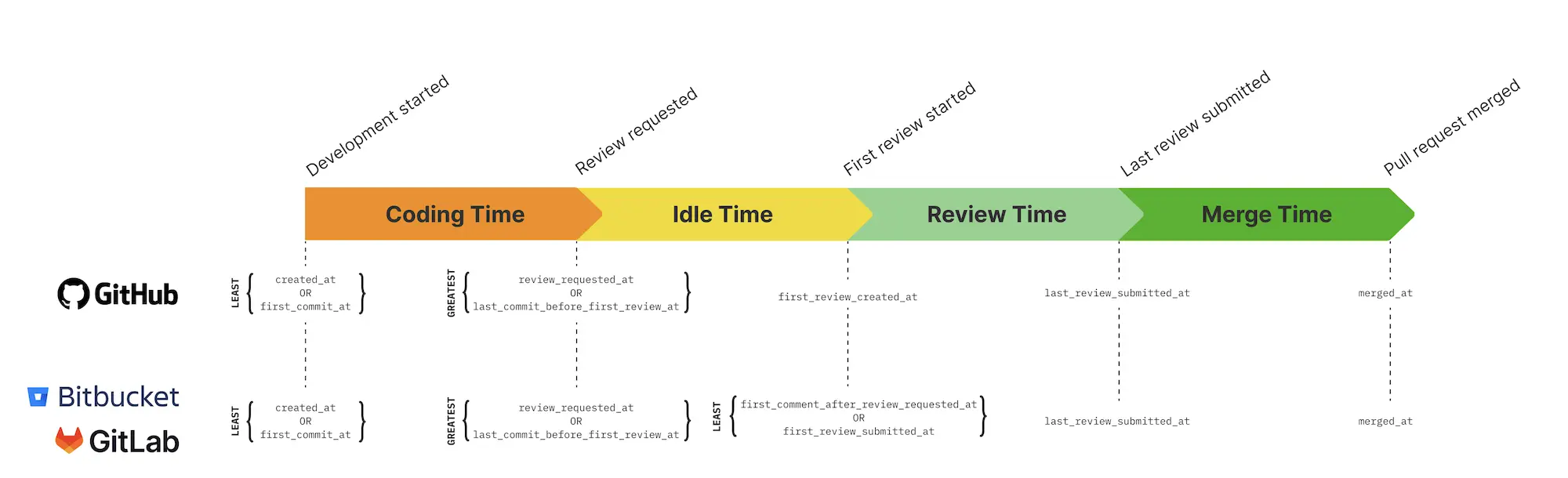
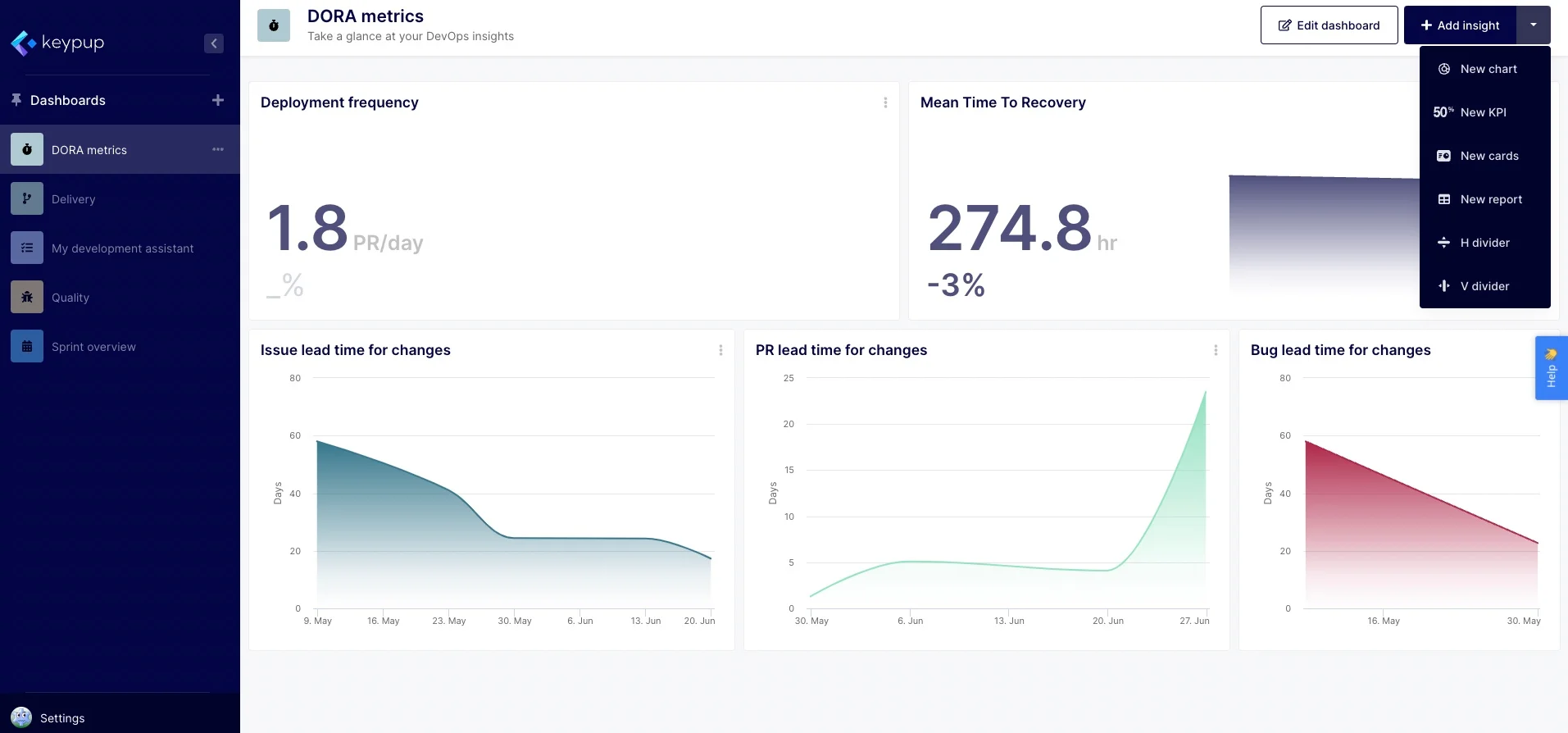
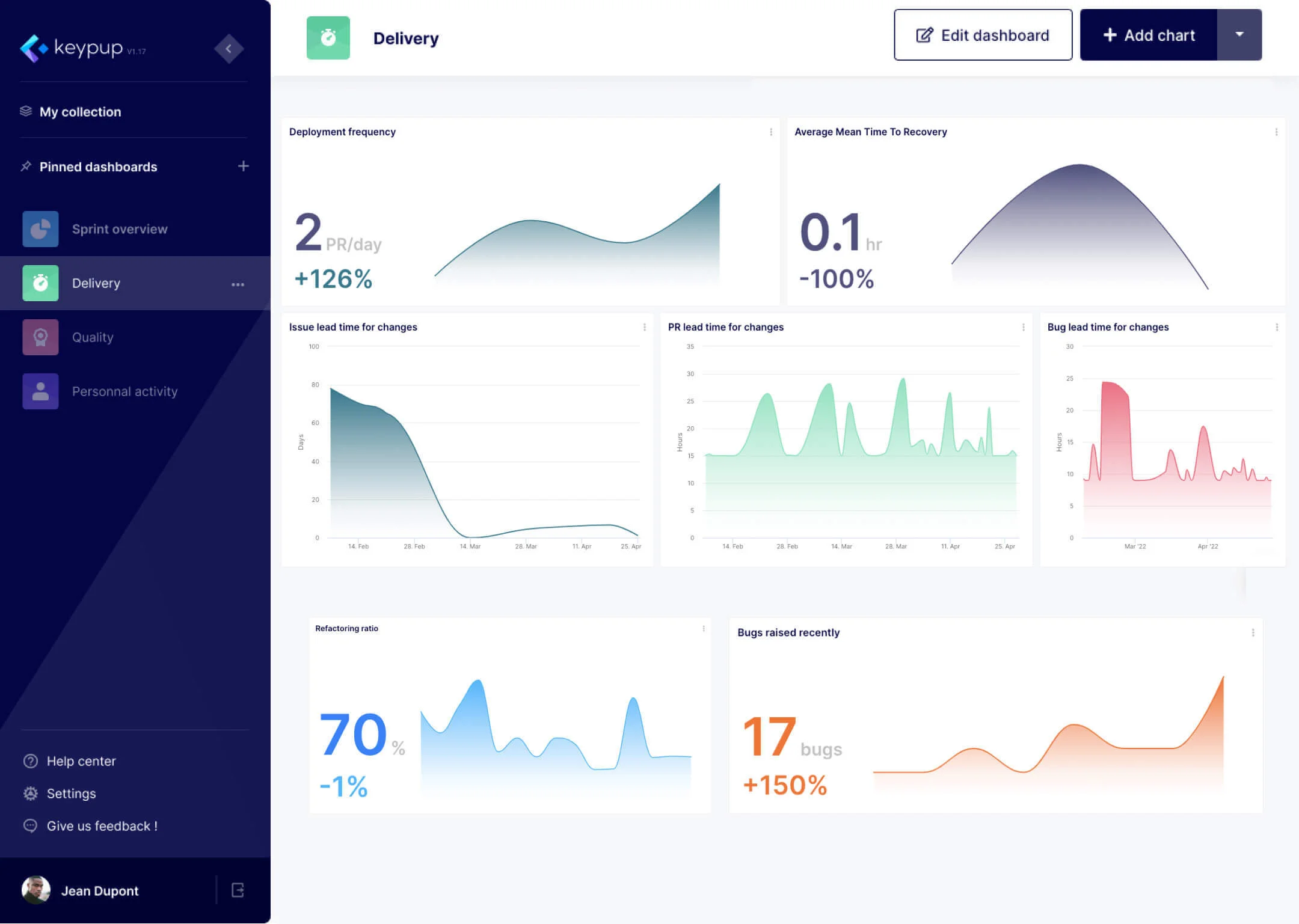
- Clearer Hierarchy: The top header has been decluttered, pushing your eyes straight to the data. The sidebar has been refined with grouped sections for easier scanning.
- Smoother Interactions: The interface now responds with elegant micro-animations. Cards lift gently on hover, buttons shimmer, and focus states glow softly.
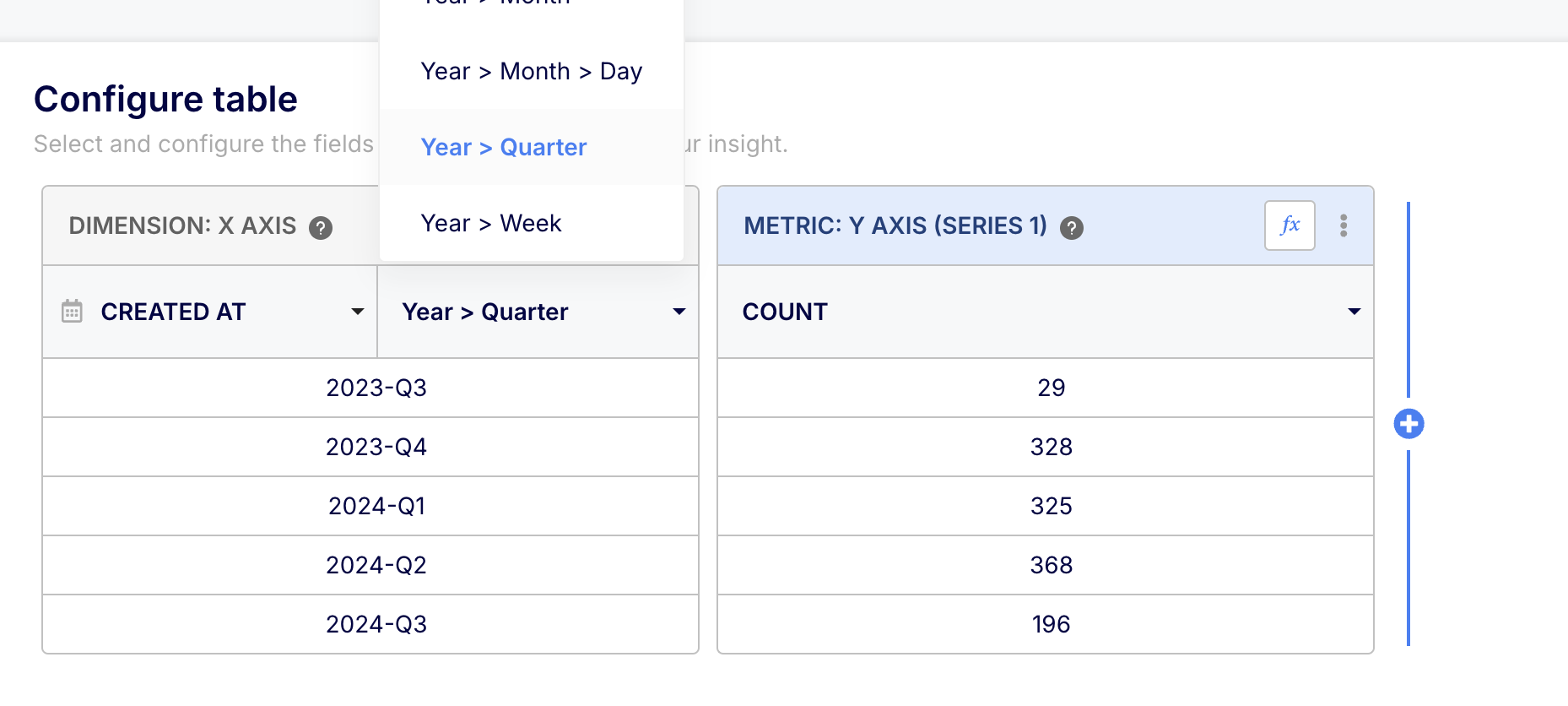
- Your Data is Untouched: Crucially, this redesign is purely about the "chrome" around your insights. Every user-controlled customization - chart colors, metric labels, threshold ranges - works exactly as before.
This visual overhaul provides better contrast and readability, turning Keypup from a utility dashboard into a premium analytics command center. Long sessions deep in the numbers just got a lot more comfortable!
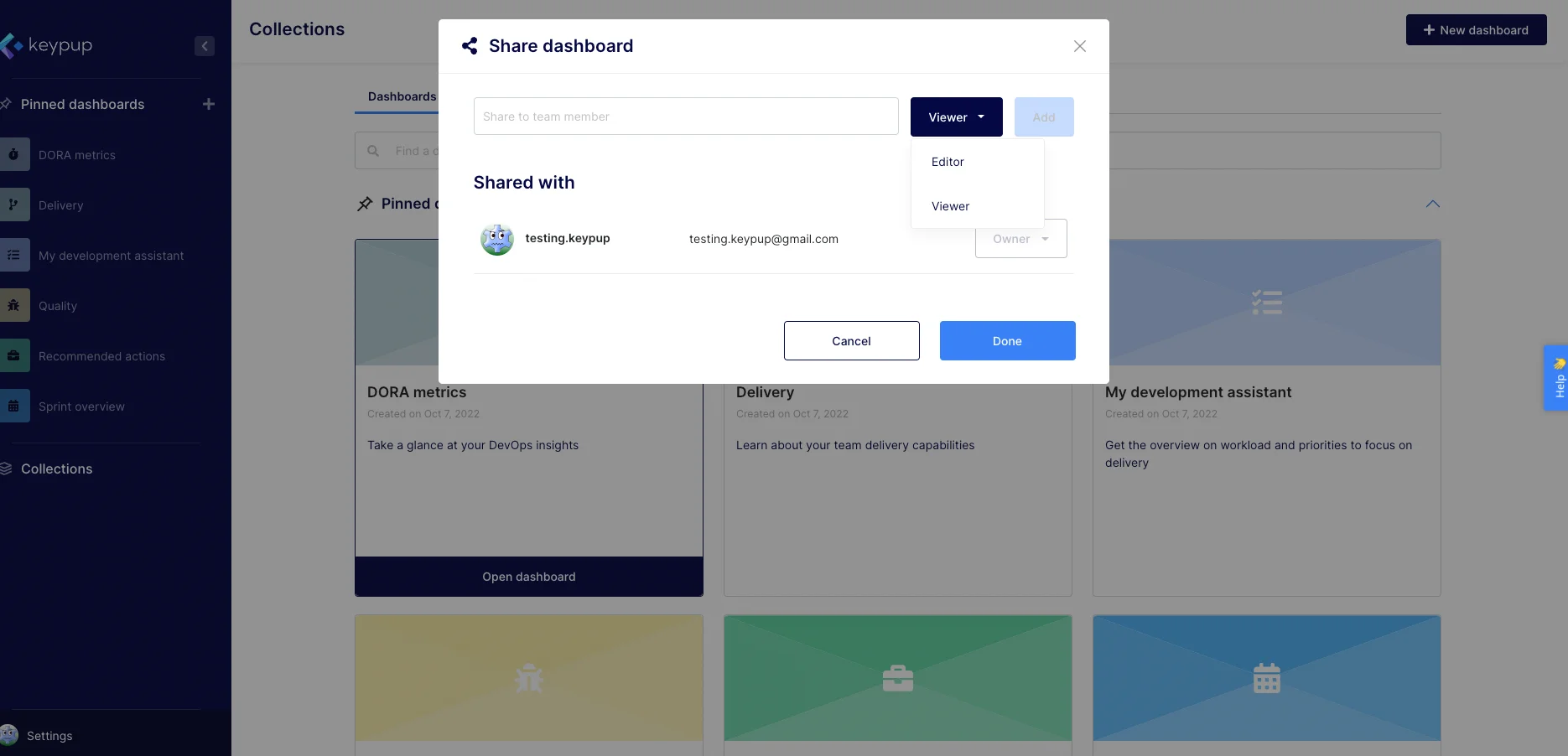
Pin Groups on the Sidebar
If your team manages dozens of dashboards across different concerns - delivery tracking, code quality, sprint planning, individual views - a flat list of pinned items can quickly become overwhelming. To solve this, we are introducing Pin Groups!
You can now organize your pinned dashboards into custom, collapsible sections directly on the sidebar.
- Fully Customizable: Create labeled groups (like "DORA Metrics" or "Sprint Health") and assign them custom icons and accent colors. You can visually distinguish categories at a glance, even when the sidebar is collapsed down to icon-only mode.
- Drag-and-Drop Organization: Moving a dashboard is as easy as dragging it from the list and dropping it into your target group. The UI updates instantly.
- Keep it Tidy: Groups are collapsible, meaning you can tuck away the dashboards you aren't actively using to keep your navigation clean and focused.